
By default, WC Serial Numbers prevents the same serial key from being added to your store more than once. Enabling this setting removes that restriction and allows the same key value to exist multiple times across your key stock.
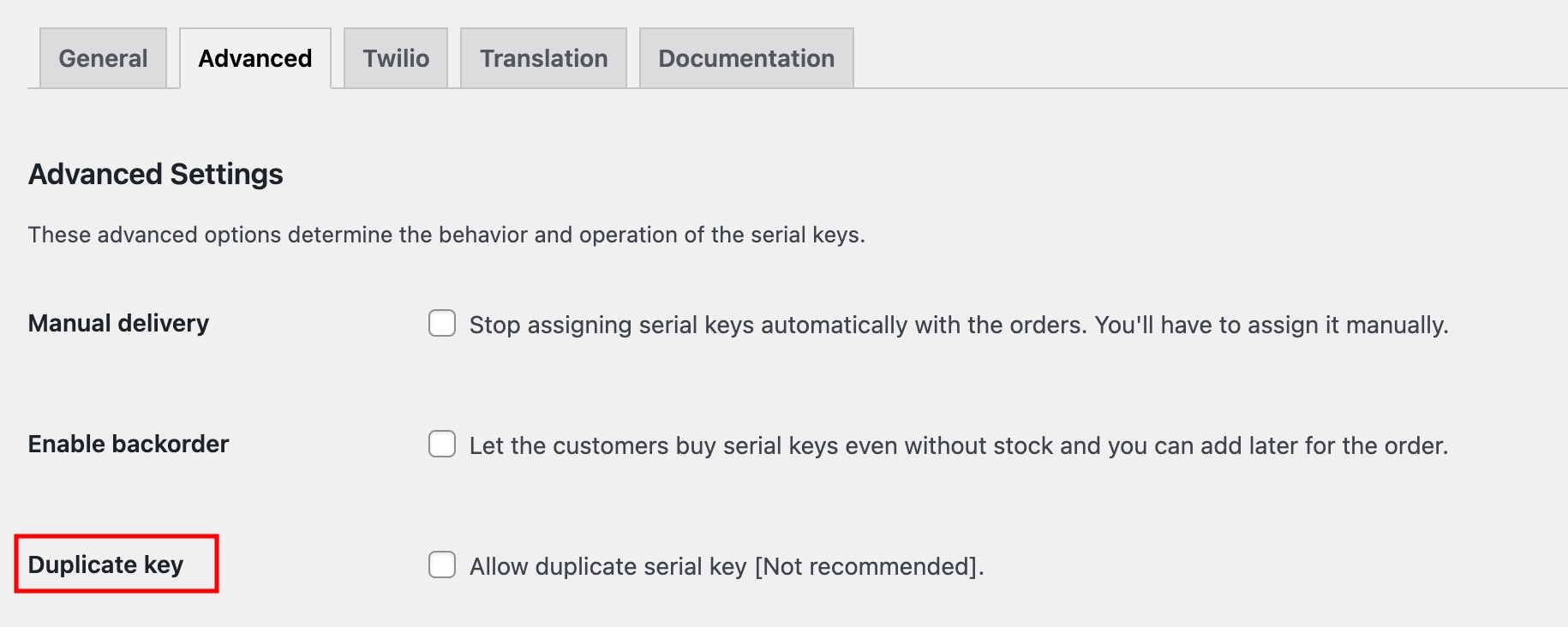
Where to Find This Setting
- Go to Serial Numbers → Settings → Advanced from your WordPress admin menu.
- Find the Duplicate Key checkbox and check it to enable.
Not recommended unless your use case specifically requires it. For software products, duplicate keys can cause activation conflicts and license violations.
What This Setting Does
When disabled, the plugin checks for existing keys before saving a new one. If the same key already exists in your stock, it will be rejected. When enabled, that check is skipped, and the same key value can be added and delivered multiple times without restriction.
| Disabled (default) | Duplicate keys are rejected. Each key value can only exist once in your stock. |
| Enabled | Duplicate keys are allowed. The same key value can be added and delivered multiple times. |
Example
Some event platforms or membership services issue a single access code valid for multiple users simultaneously. For instance, if you sell access to a webinar using a shared entry code, you can add the same code multiple times to your key stock and deliver it to each customer individually.