
When a customer cancels an order or requests a refund, the key they received should stop working. The Revoke Keys setting handles this automatically by invalidating keys the moment an order is cancelled or refunded, requiring no manual action.
Where to Find This Setting
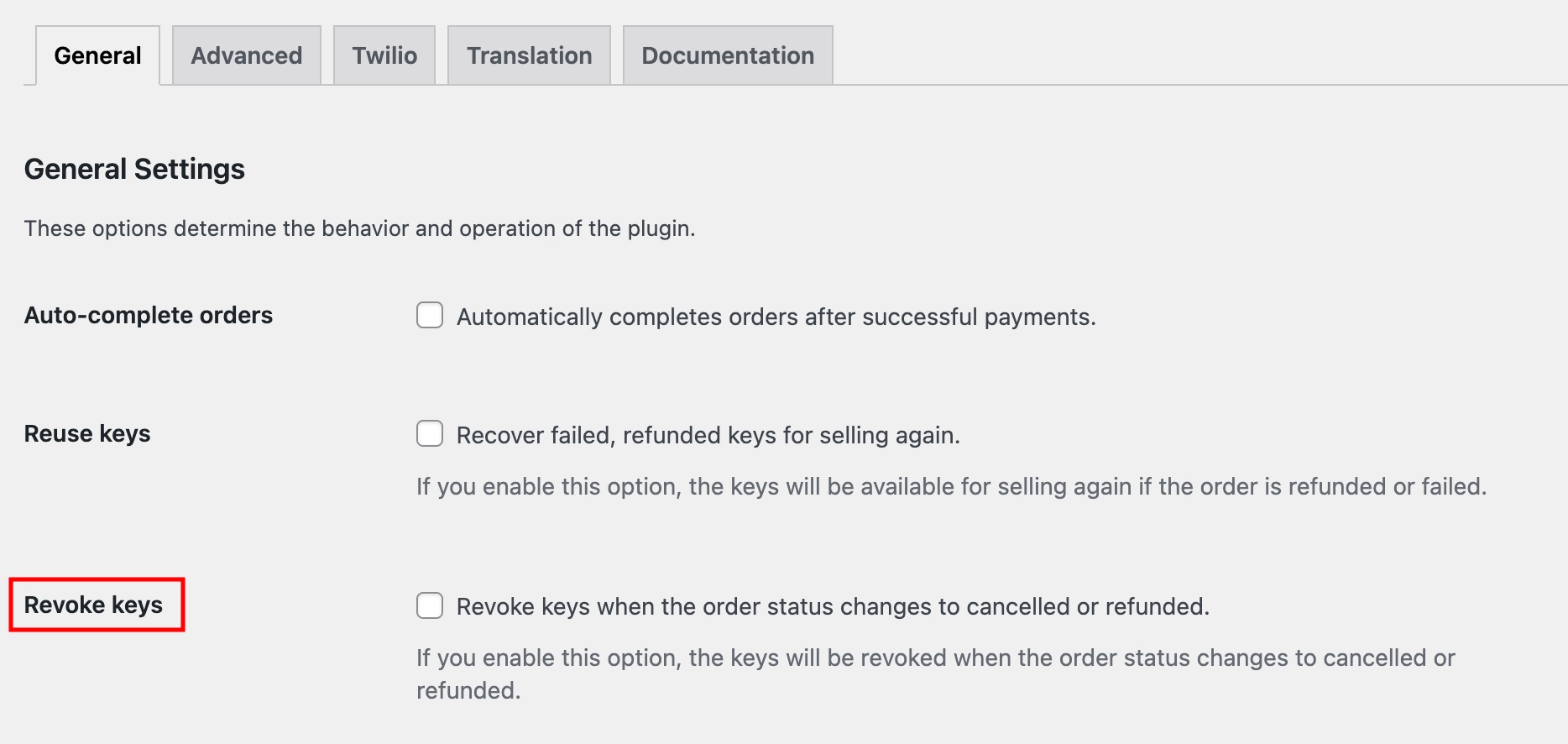
- Navigate to Serial Numbers → Settings → General from your WordPress dashboard.
- Look for the Revoke keys checkbox and enable it.
What This Setting Does
Enabling Revoke Keys instructs WC Serial Numbers to mark a key as revoked the moment its associated order is cancelled or refunded. A revoked key can no longer be used for activation.
| Disabled (default) | Keys remain valid even after their order is cancelled or refunded. Customers could still use them for activation. |
| Enabled | Keys are automatically revoked when the order is cancelled or refunded. They can no longer be used for activation. |
Example
A customer purchases a license key, uses it for two days, and then requests a refund. With Revoke Keys enabled, the moment you process the refund in WooCommerce, the key is automatically marked as revoked. The customer can no longer activate new installations using that key.
Revoked keys are not deleted from your system. They are kept for record-keeping purposes but flagged as invalid so they cannot be used for activation.