
When an order fails or gets refunded, the key assigned to that order is marked as cancelled and sits idle. By enabling this setting, you reclaim those keys and make them available for new orders, helping you get the most value from every key you’ve added to your inventory.
Where to Find This Setting
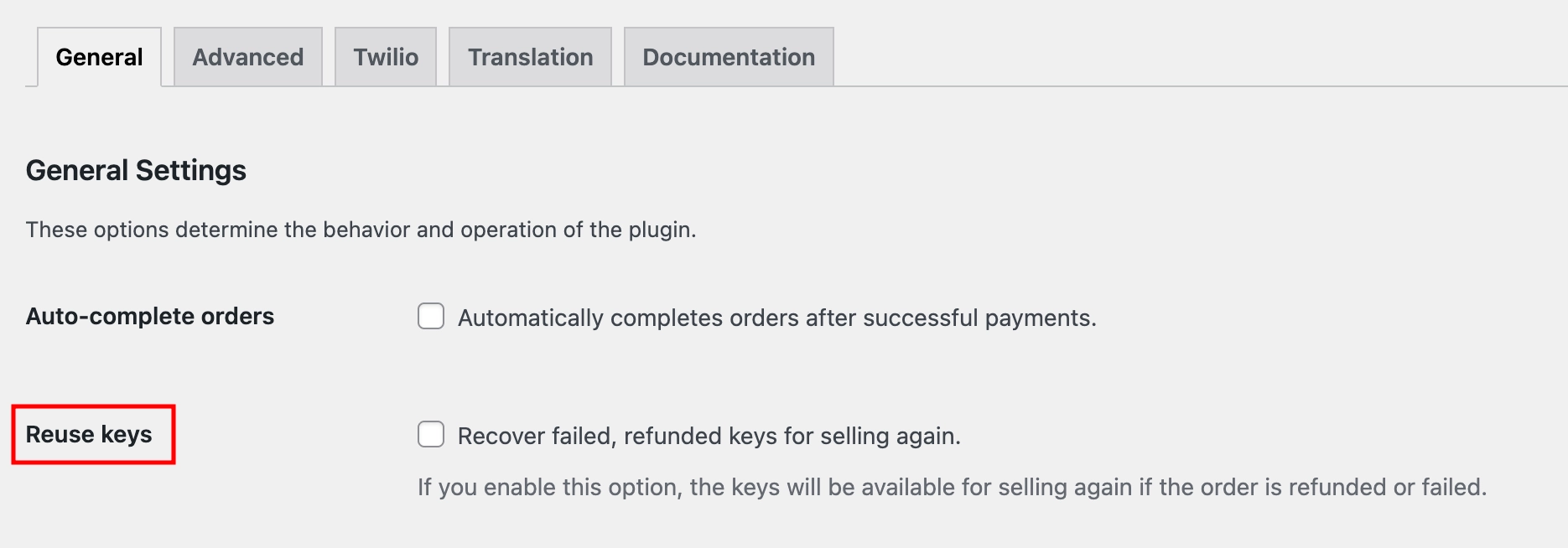
- Navigate to Serial Numbers → Settings → General from your WordPress admin menu.
- Look for the Reuse keys checkbox and enable it.
What This Setting Does
When enabled, any key assigned to a failed or refunded order is returned to your available key pool. The next time a matching product is ordered, that key can be assigned again.
| Disabled (default) | Keys from failed or refunded orders remain tied to those orders and are not reassigned. |
| Enabled | Keys from failed or refunded orders are released back into inventory and made available for future orders. |
Example
A customer places an order, but their payment fails. With reuse keys disabled, the key reserved for that order is effectively locked out of inventory. With it enabled, that key is immediately released and assigned to the next successful order for the same product.
This is especially useful for stores with limited key inventory. Enabling Reuse Keys ensures your stock is used efficiently and reduces the chance of running out of keys prematurely.