
Customize the labels displayed for key properties on the Order Details page. Useful when you want to translate the default labels into your own language or rename them to better fit your store’s terminology.
Where to Find This Setting
- Go to Serial Numbers → Settings → Translation from your WordPress admin menu.
- Scroll down to the Translate Labels section.
Available Options
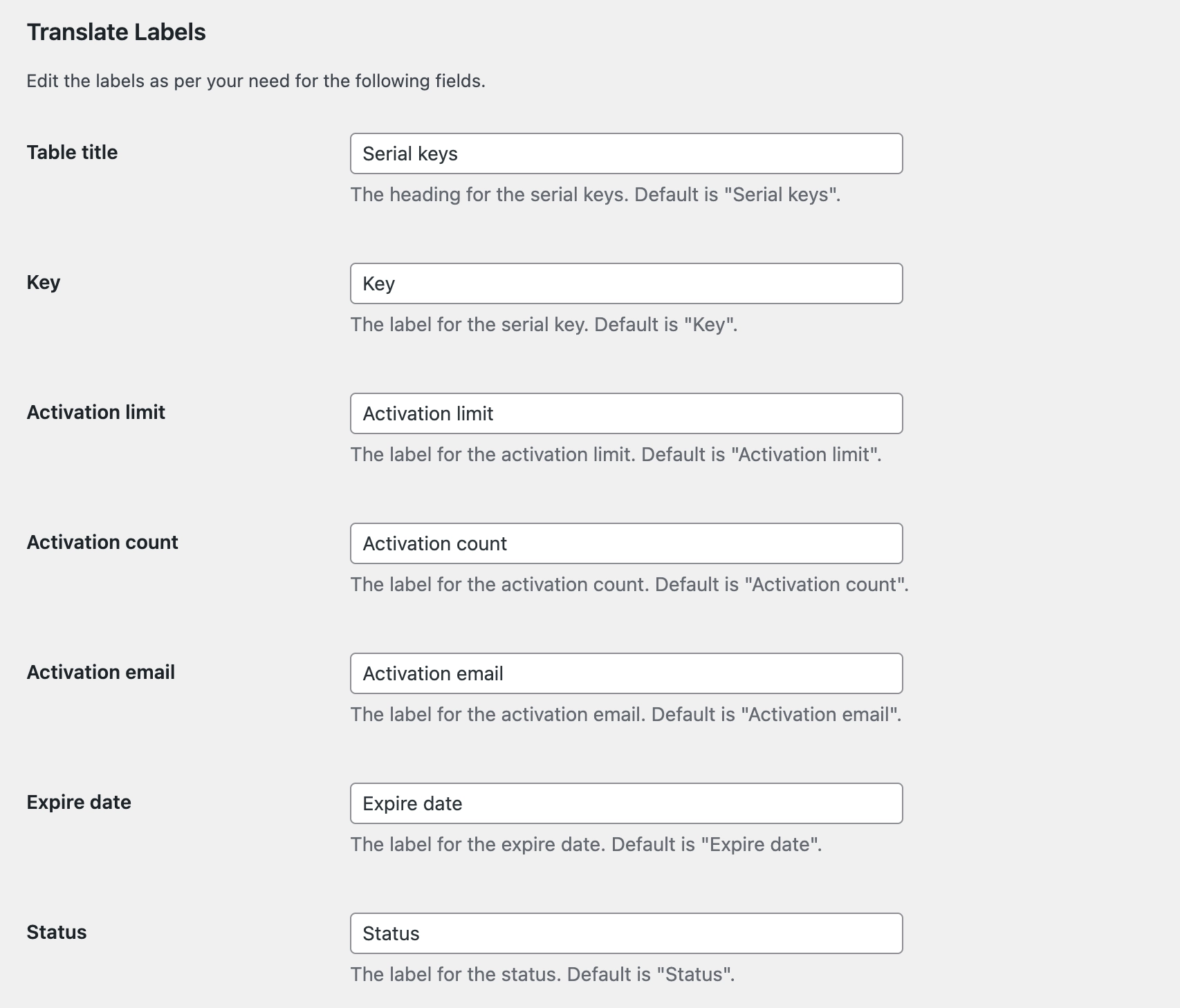
Each field below has a default label that you can replace with any text of your choice.
- Table Title: The heading displayed above the serial keys section. Default is “Serial keys”.
- Key: The label for the serial key field. Default is “Key”.
- Activation Limit: The label for the activation limit field. Default is “Activation limit”.
- Activation Count: The label for the activation count field. Default is “Activation count”.
- Activation Email: The label for the activation email field. Default is “Activation email”.
- Expire Date: The label for the expiry date field. Default is “Expire date”.
- Status: The label for the status field. Default is “Status”.
Click Save to apply the changes. The updated labels will be reflected immediately on the Order Details page.