
Control which key properties are visible to customers on the Order Details page. Only the properties you enable will be displayed, keeping the page clean and relevant to your product type.
Where to Find This Setting
- Go to Serial Numbers → Settings → Advanced from your WordPress admin menu.
- Scroll down to the Order Details section.
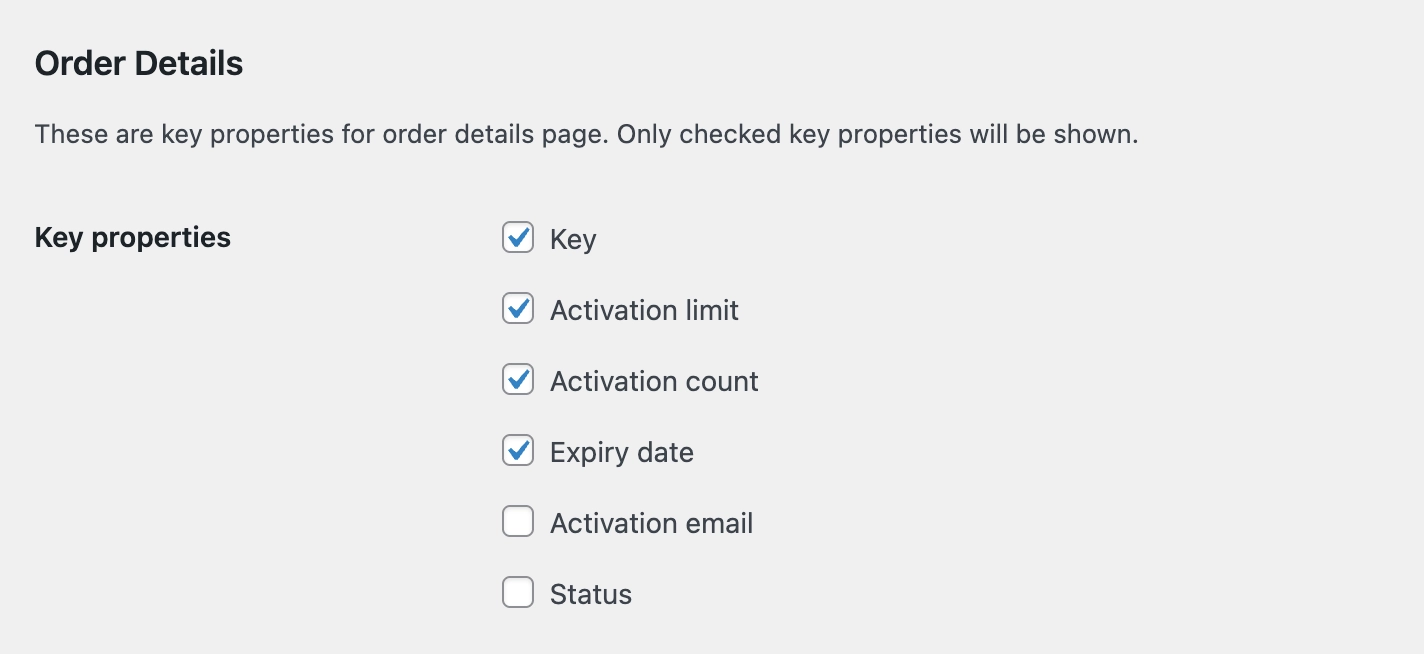
Available Options
Check the properties you want to display on the Order Details page. The following properties are available:
- Key: The serial key itself.
- Activation Limit: The maximum number of times the key can be activated.
- Activation Count: The number of times the key has been activated so far.
- Expiry Date: The date the key expires.
- Activation Email: The email address associated with the key activation.
- Status: The current status of the key.
Click Save to apply the changes.
If your product does not require software activation, consider only enabling Key and Expiry Date to avoid displaying fields that are not relevant to your customers.