
By default, WC Serial Numbers includes the serial key in the order confirmation email sent to the customer after a successful purchase. Enabling this setting stops keys from being sent via email, giving you control over how and when keys are delivered to your customers.
Where to Find This Setting
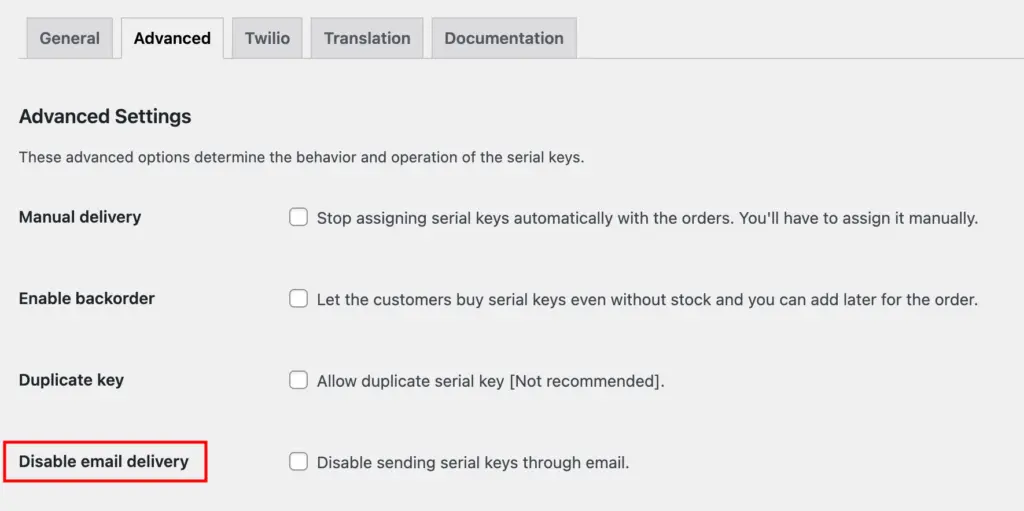
- Go to Serial Numbers → Settings → Advanced from your WordPress admin menu.
- Find the Disable Email Delivery checkbox and enable it.
What This Setting Does
When enabled, WC Serial Numbers will not include the serial key in any order confirmation or completion emails. Customers will need to visit their My Account page to view their key.
| Disabled (default) | Serial keys are included in the order confirmation email sent to the customer. |
| Enabled | Serial keys are not sent via email. Customers can view their key on the My Account page. |
If you enable this setting, consider informing your customers that they can find their key on the My Account page to avoid confusion after purchase.