
By default, WC Serial Numbers assigns serial keys to orders automatically the moment a purchase is completed. Enabling Manual Delivery pauses that process, giving you full control over when and which key gets assigned to each order.
Where to Find This Setting
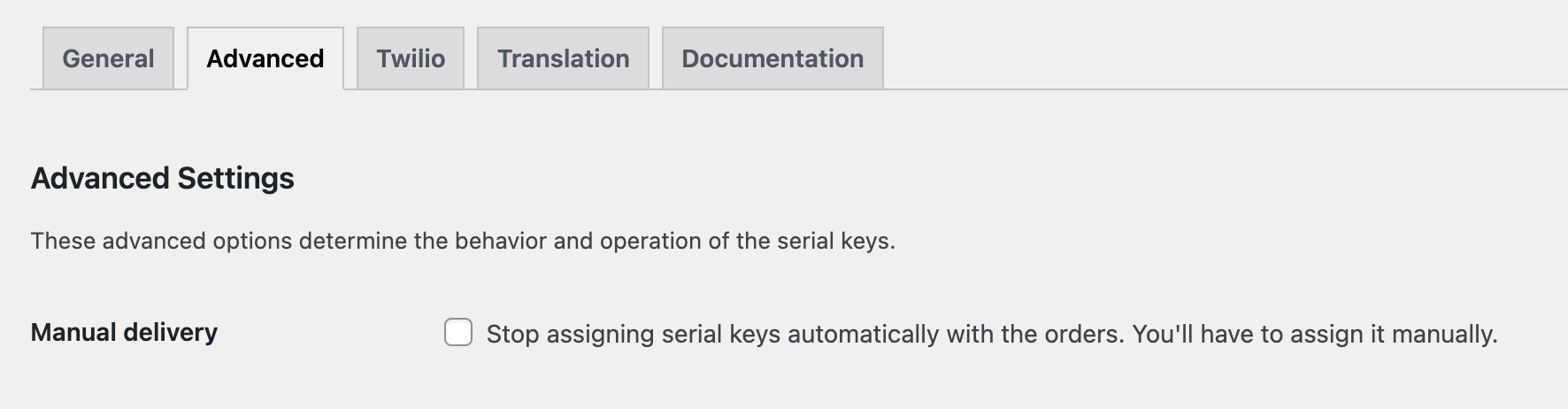
- Go to Serial Numbers → Settings → Advanced from your WordPress admin menu.
- Find the Manual Delivery checkbox and enable it.
What This Setting Does
When enabled, WC Serial Numbers stops automatically assigning keys to orders. You will need to assign a key to each order manually from the order details page.
| Disabled (default) | Keys are assigned to orders automatically the moment a successful payment is received. |
| Enabled | Keys are not assigned automatically. You must assign a key to each order manually. |
This setting is useful when you need to verify orders before delivering keys, or when you want to assign specific keys to specific customers. Keep this disabled if you want keys to be delivered instantly after purchase.