
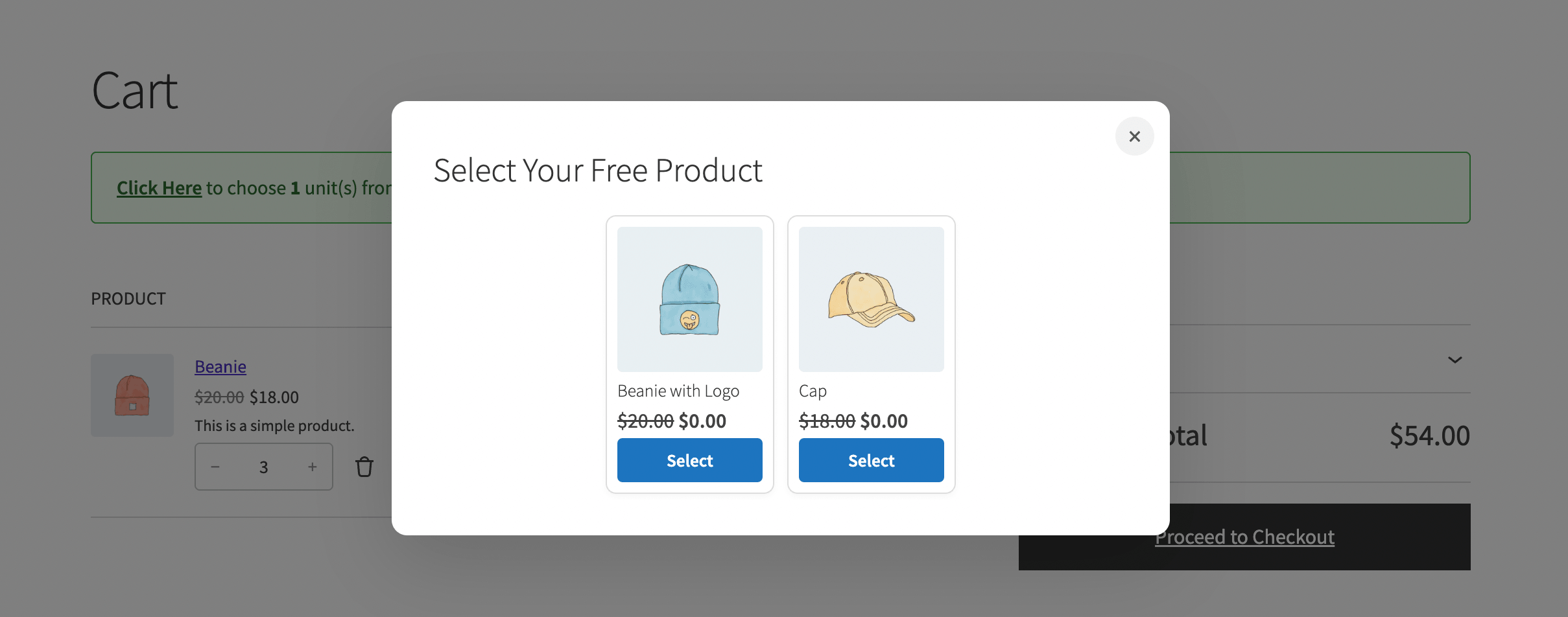
The BOGO Cart Notice is a custom block that shows customers how many more units they need to add to their cart to qualify for a reward, along with the names of the available reward products. Once the condition is met, the notice shows a link customers can click to open the reward list and choose their product.
Step 1: Open Your Cart Page in the Block Editor
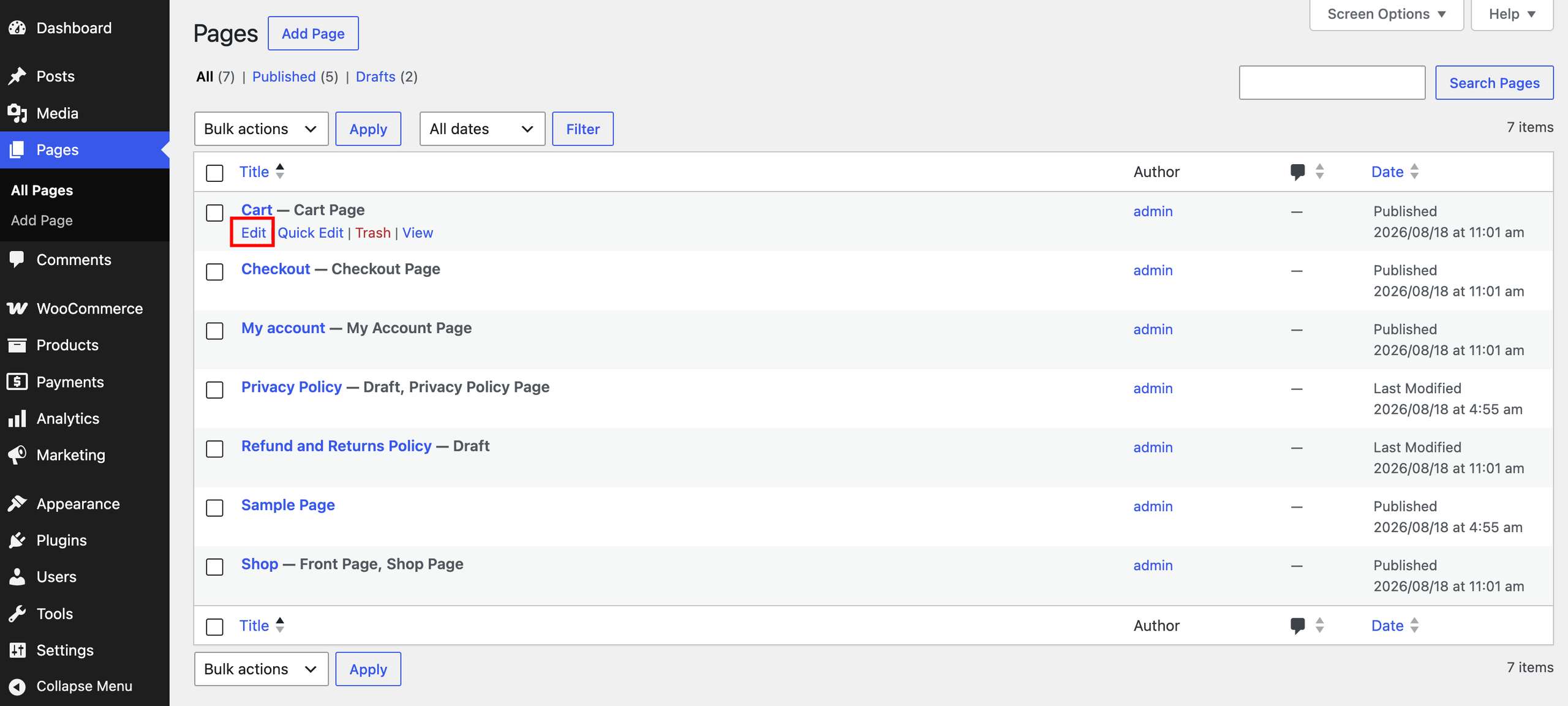
From your WordPress admin menu, go to Pages, find your store’s Cart page, and click Edit. This opens the page in the WordPress block editor.
Step 2: Add the BOGO Cart Notice Block
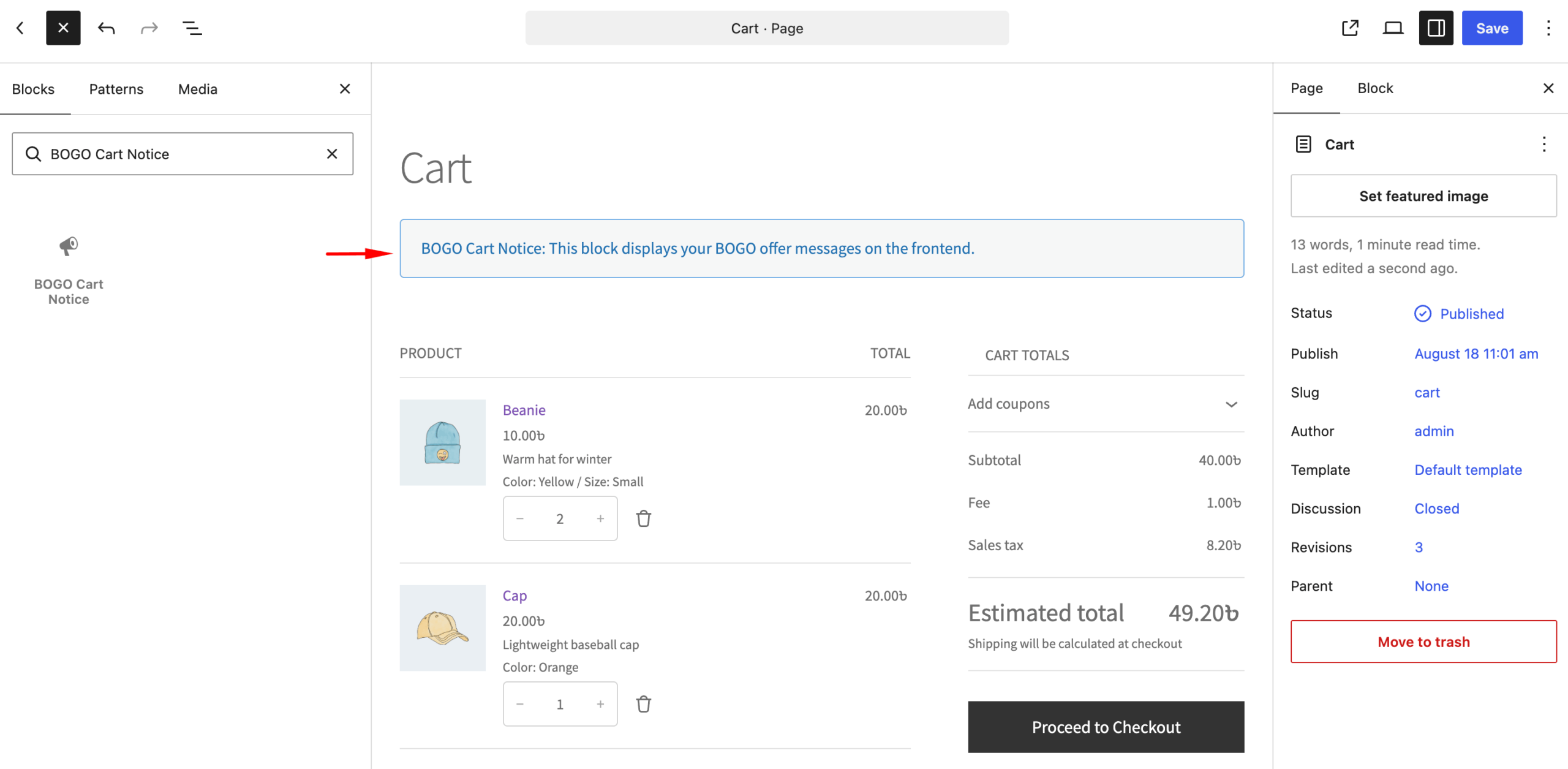
Click the + icon to add a new block, search for BOGO Cart Notice, and select it to insert it onto the page. Drag the block to where you’d like the notice to appear, typically above the cart items table, so it’s the first thing customers see when they land on the cart page.
Step 3: Save the Page
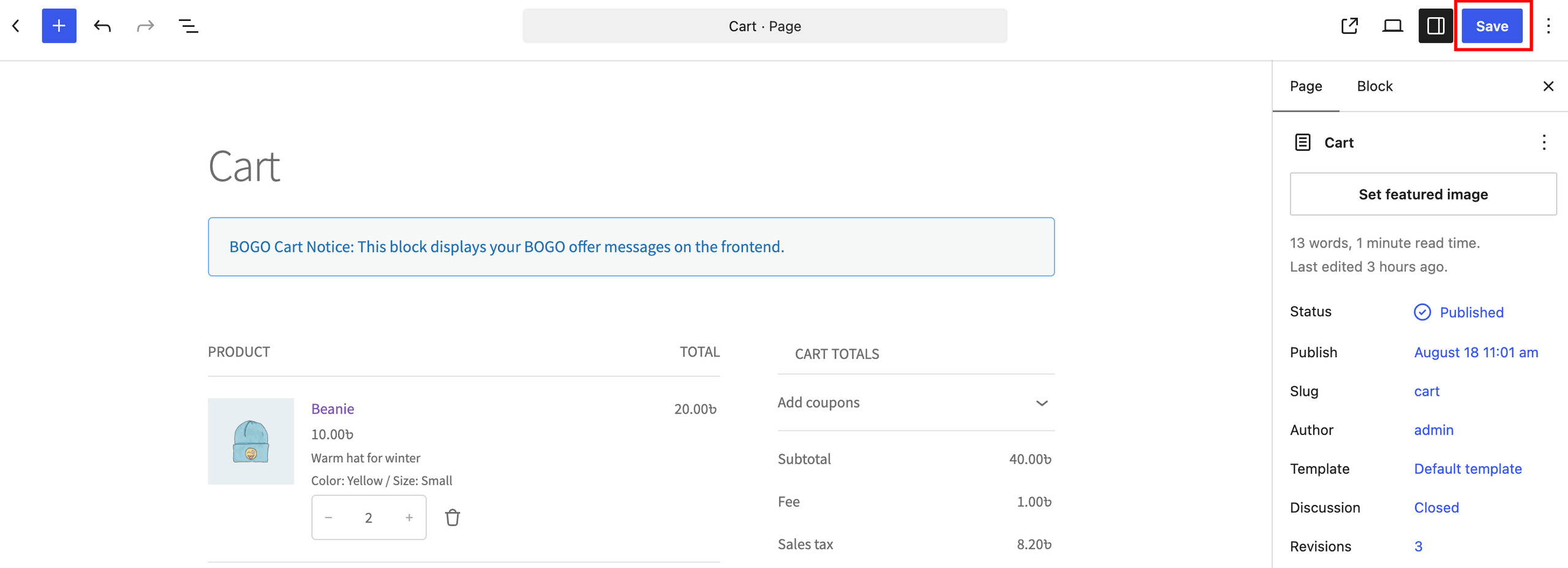
Click Save to update your changes.
Step 4: Test the Notice
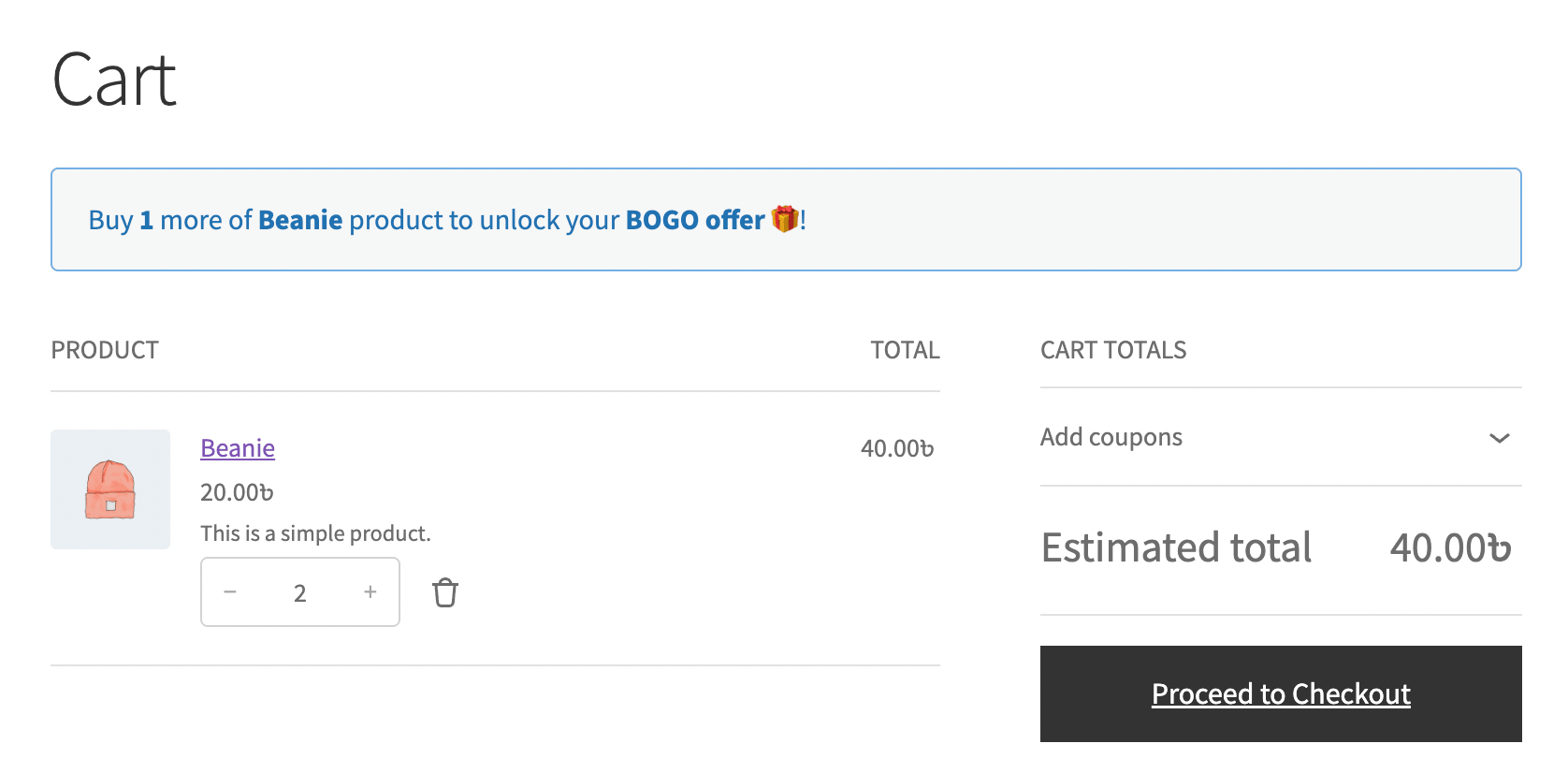
Visit your store’s cart page and add a qualifying product below the required quantity. Confirm the notice shows the remaining quantity needed and the available reward products.
Add enough units to meet the quantity rule, then confirm the notice updates to let you select a reward, if the offer’s Reward Product Source is set to Specific Products/Categories.
Note: If your store uses the Classic Cart shortcode, the notice appears automatically, no block needed. This block is only required for Cart pages built with the WordPress block editor.
What’s Next
Haven’t set up an offer yet? See Configure BOGO Offer to get started.