


WooCommerce powers over 4.4 million live stores worldwide, and for good reason. It is flexible, open-source, and free to get started. But flexibility also means gaps. Out of the box, WooCommerce does not handle quantity limits, license key delivery, visual category navigation, subscription billing, or much of anything beyond the basics of listing products and accepting payments.
That is where plugins come in.
This guide covers 35 of the best WooCommerce plugins, all purpose-built for WooCommerce stores, organized by what they actually solve. Each section tells you what the plugin does, who it is for, and whether the free version is enough or if you need to upgrade.
Every plugin on this list has an active install base of 10,000+ or strong reviews, is actively maintained with recent updates, and solves a real gap in WooCommerce’s default feature set.
Quick Comparison: Top Picks at a Glance
| Plugin | Category | Free Version | Paid Starts At | Best For |
|---|---|---|---|---|
| WC Category Slider | Product Display | Yes | $49/yr | Visual category navigation |
| WC Show Single Variations | Product Display | Yes | $49/yr | Showing variations on shop pages |
| WC Min Max Quantities | Order Control | Yes | $49/yr | Min/max purchase rules |
| WC Wholesale Manager | B2B Selling | Yes | $99/yr | Wholesale pricing and roles |
| Serial Numbers | Digital Products | Yes | $99/yr | License key delivery |
| Key Manager | Digital Products | Yes | $99/yr | Software activation codes |
| Advanced Coupons | Promotions | Yes | $59/yr | Smart, rule-based discount logic |
| WooCommerce Points and Rewards | Loyalty | No | $129/yr | Customer loyalty program |
| Product Feed Manager | Product display | Yes | $79.99/yr | Best for product feed |
| FunnelKit | Checkout | Yes | $99/yr | Checkout conversion optimization |
| WooCommerce Cart Abandonment Recovery | Conversion | Yes | Free/Paid | Recover abandoned carts via email |
| WooPayments | Payments | Yes | Free | Native card payments |
| CURCY Multi-Currency | Payments | Yes | $29/yr | Currency switching for global stores |
| WooCommerce Subscriptions | Recurring Revenue | No | $279/yr | Subscription products |
| wePOS – Point Of Sale (POS) for WooCommerce & Dokan | Point of Sale | Yes | $99/yr | Point of sale |
| WooCommerce Bookings | Product Types | No | $249/yr | Appointment and booking products |
| Metorik | Analytics | No | $50/mo | Deep WooCommerce analytics |
How to Pick the Right WooCommerce Plugin
Before installing anything, it helps to have a short checklist. There are thousands of WooCommerce plugins on WordPress.org and the WooCommerce Marketplace, and plenty of them cause more problems than they solve.
Here is what to look for:
Active installs and ratings. A plugin with 10,000+ active installs and a 4+ star rating on WordPress.org has been used by real stores and reviewed honestly. Below 1,000 installs on a newer plugin is a yellow flag unless it comes from a developer with an established track record.
Last updated date. WordPress, WooCommerce, and PHP all release regular updates. A plugin that has not been updated in over 12 months is a compatibility risk and likely a security one too.
Support quality. Check the support forum tab on WordPress.org. Active developer responses to threads are a good sign. Dozens of unanswered questions going back months is a reason to look for an alternative.
Clear documentation. Good plugins have proper setup docs. If you cannot find setup instructions before paying, that is a red flag.
Compatibility with your theme and other plugins. Most conflicts happen between plugins that touch the same part of WooCommerce: the checkout, the product loop, or the cart. Always test on a staging site before activating on a live store.
With that in mind, here are the 35 best WooCommerce plugins worth installing.
Product Display and Storefront
WooCommerce’s default product and category display is functional, but it is not built to impress or convert. These plugins fix that without requiring custom code or a theme switch.
1. WC Category Slider Pro
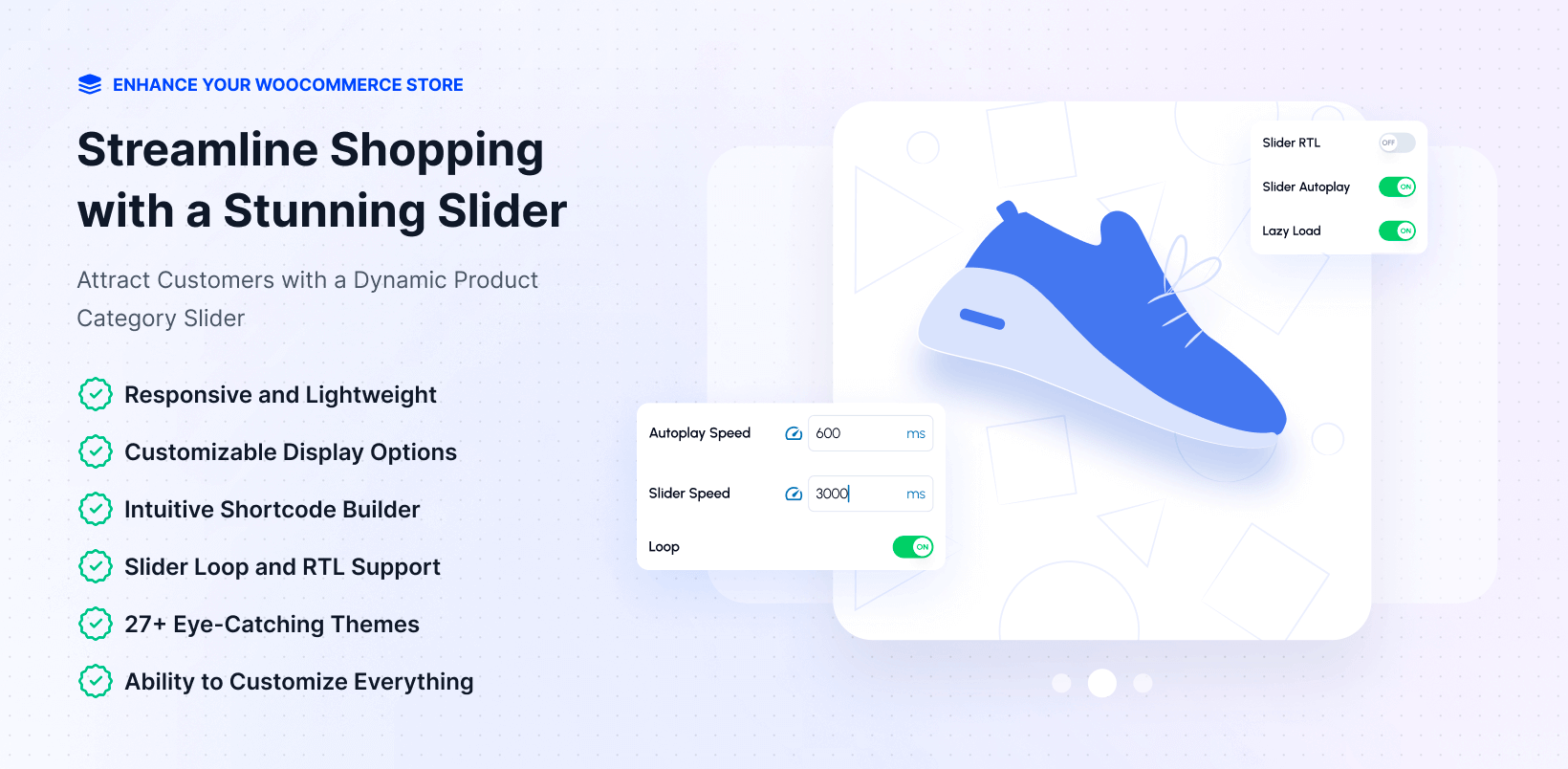
If your store has more than a handful of categories, a wall of text links in a sidebar is not going to serve your customers well. WC Category Slider Pro turns your WooCommerce categories into a responsive, swipeable carousel that actually looks good and drives category clicks.
You get 27+ ready-made design themes, Google Fonts support, hover effects, autoplay controls, and full control over which categories show up and in what order. It works as a Gutenberg block with live preview and supports shortcodes for Elementor, Divi, and Beaver Builder. Scripts load only on pages where the slider is present, so there is no unnecessary performance overhead on other pages.
The free version on WordPress.org covers basic slider functionality. The Pro version unlocks all 27+ themes, custom images per category, responsive column breakpoints, and advanced autoplay settings. Paid plans start at $49/year for a single site.
Best for: Fashion stores, electronics retailers, digital marketplaces, or any store where browsing by category is the primary navigation pattern.
2. WC Category Showcase Pro
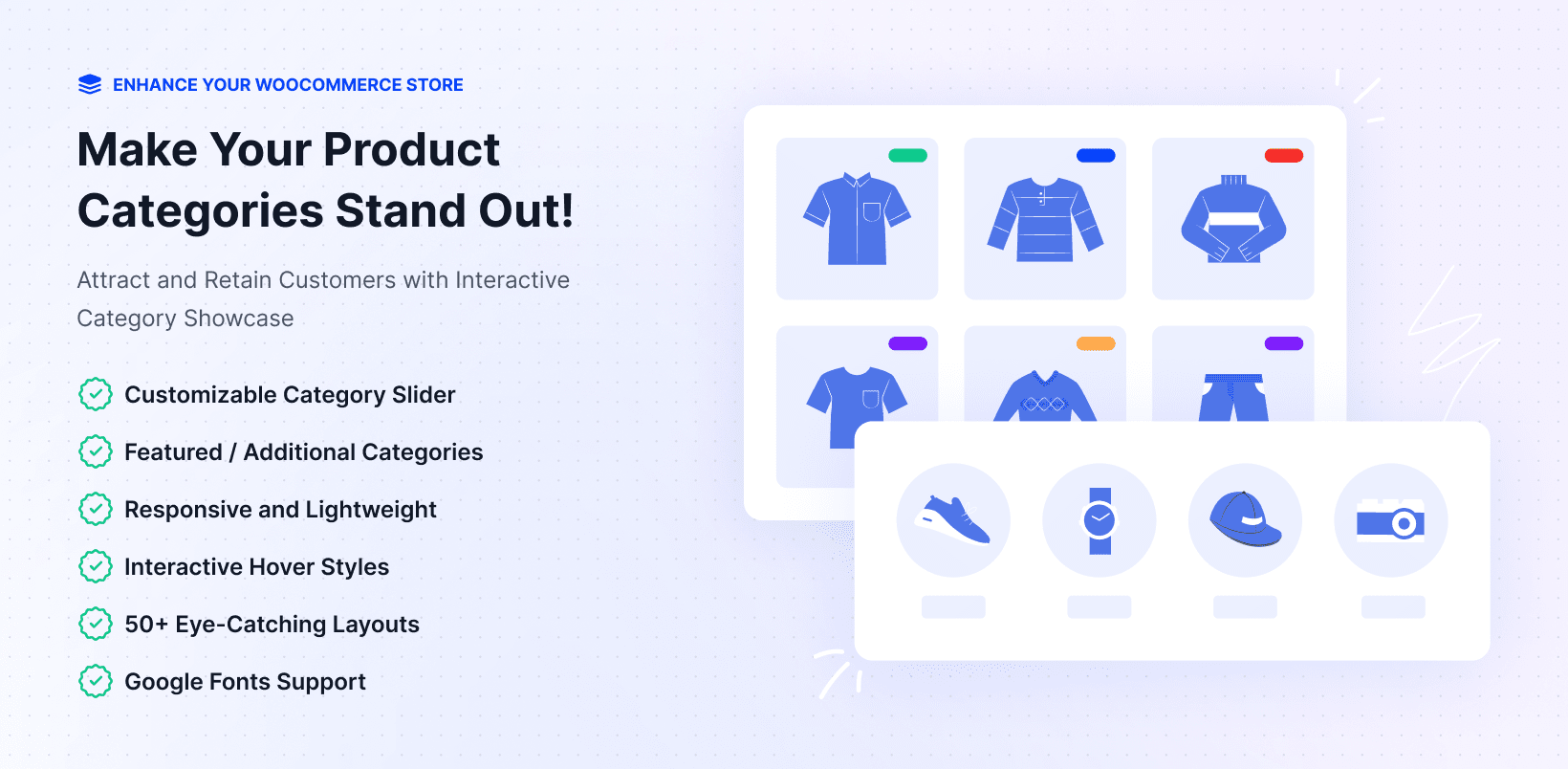
Where the Category Slider focuses on carousel navigation, WC Category Showcase Pro gives you three distinct layout options: Slider, Block, and Grid. The Block layout is useful for homepage hero sections where you want one featured category large and prominent, with secondary categories shown alongside it.
Each showcase generates a unique shortcode so you can place it anywhere across your store. Typography control, hover states, and per-card content toggles (product counts, descriptions, subcategory counts) give you strong visual flexibility without writing a line of CSS.
The free version supports basic slider and grid layouts. The Pro version adds Google Fonts, ticker carousel mode, full card styling, and button customization. Starts at $49/year.
If you are deciding between Category Slider and Category Showcase: the Slider is better for navigation bars and category browsing flows. The Showcase is better for homepage hero sections and category landing pages. See the WC Category Slider documentation for guidance on using both together.
3. WC Show Single Variations
WooCommerce hides all product variations behind the parent product by default. If you sell a hoodie in five colors, shoppers browsing your shop page see a single listing and have to click through to discover the options. Many customers will not bother.
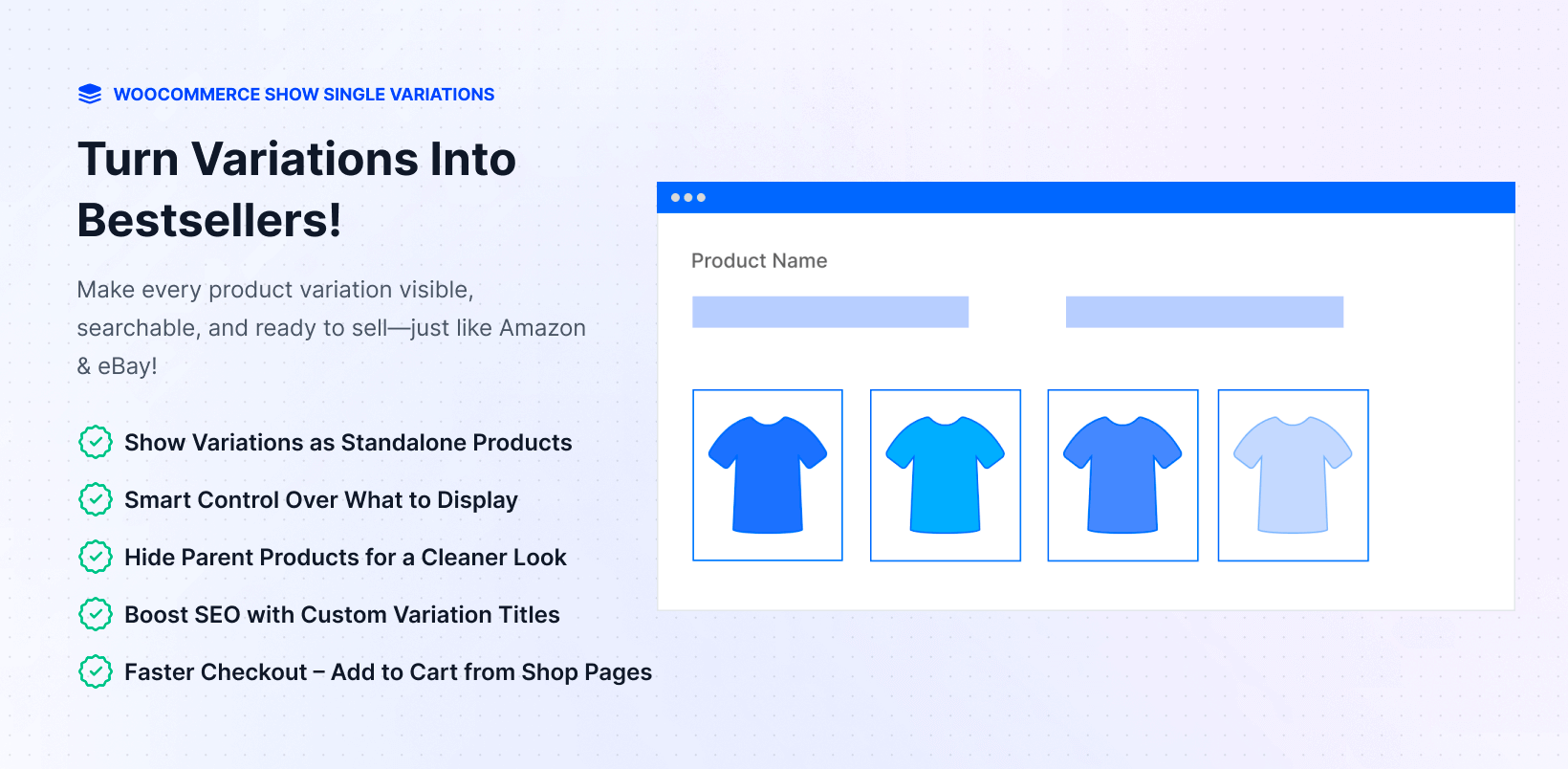
WC Show Single Variations changes this. Each variation appears as its own product on shop pages, category pages, and search results. Customers can filter by color and see the specific red hoodie in the results rather than just the generic parent product.
There is an SEO benefit too. The Pro version includes custom title templates like “{attributes} {title}” so each variation gets a search-indexable name such as “Red Hoodie in Size L.” You can also hide the parent product entirely from listings so only purchasable variations appear.
The free version handles basic variation display. The Pro version adds category-level include/exclude control, direct add-to-cart from shop pages, SEO title templates, and per-product overrides. From $49/year. The full documentation walks through the setup step by step.
Best for: Apparel, accessories, phone cases, and any catalog where color, size, or style are the primary purchase decision factors.
4. Product Variation Swatches
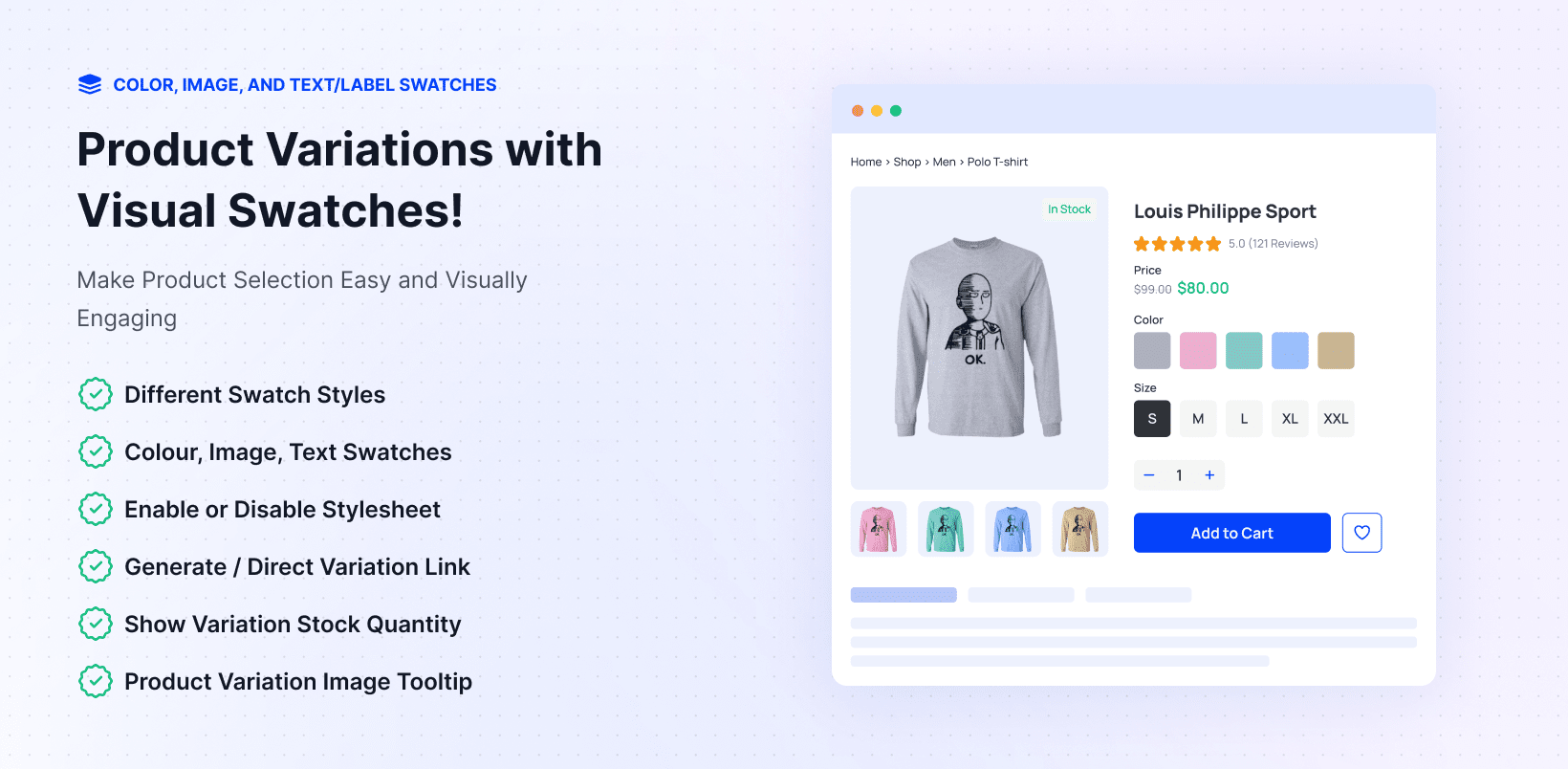
The default WooCommerce variation selector is a plain dropdown. It works, but it is not a great shopping experience, especially on mobile. WC Variation Swatches replaces those dropdowns with color swatches, image swatches, and label buttons.
Free on WordPress.org. Works naturally alongside WC Show Single Variations for stores that want cleaner variation browsing across the catalog and better visual selectors on product pages.
5. YITH WooCommerce Wishlist
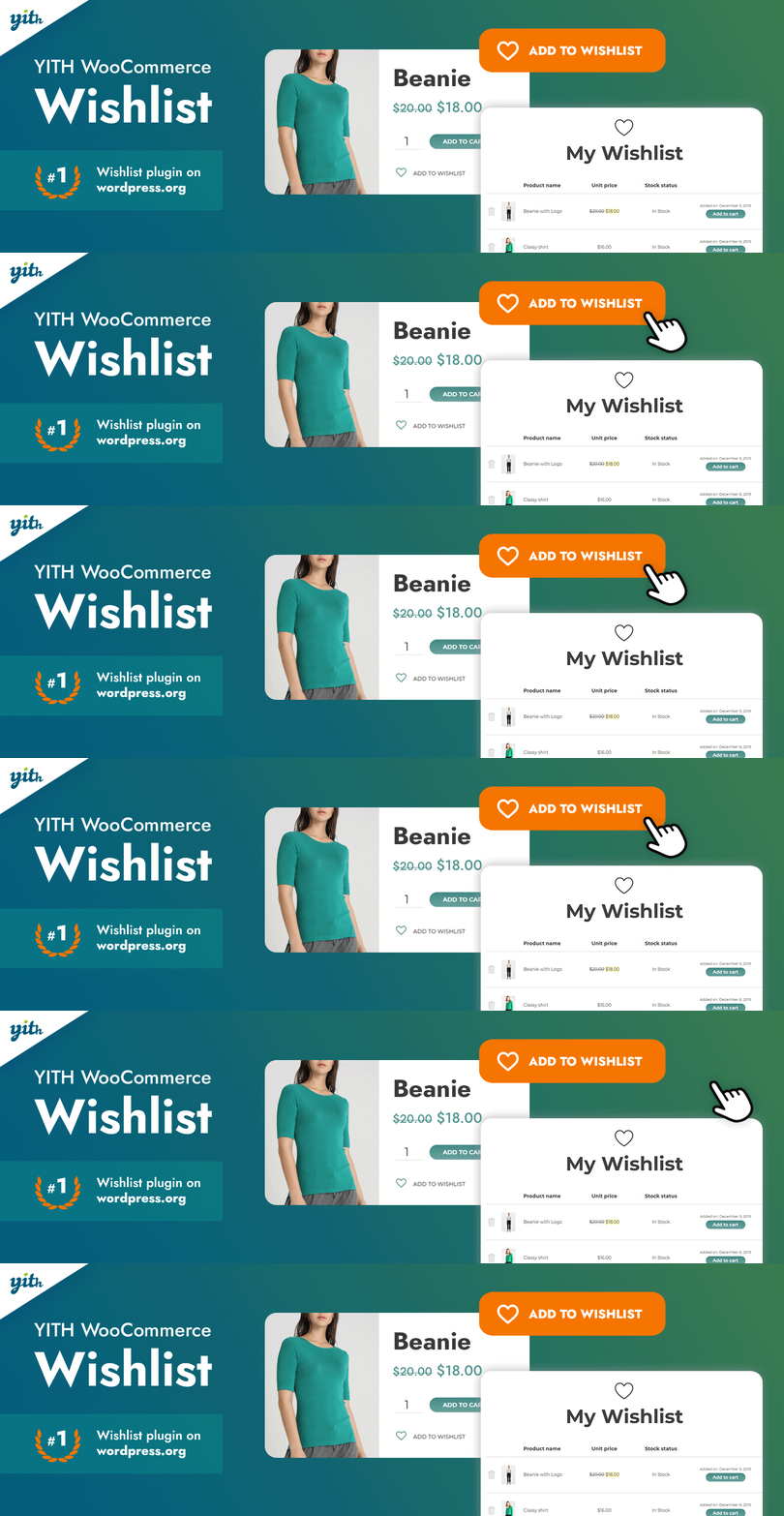
A wishlist button lets customers save products for later and share lists with friends or family. For stores that attract a lot of browsing before purchase, this gives returning customers a direct path back to the products they flagged rather than making them search again.
YITH WooCommerce Wishlist has over 900,000 active installs on WordPress.org. The free version handles the core wishlist functionality well. The Premium version adds multiple wishlists per user, social sharing with click tracking, and automated promotional emails to customers whose wishlisted items drop in price. From $79.99/year.
Product Discovery and Filtering
Getting customers to the right product quickly is one of the bigger UX challenges in WooCommerce. These plugins improve how customers search, filter, and stay informed about product availability.
6. WooCommerce Product Filter by WooBeWoo
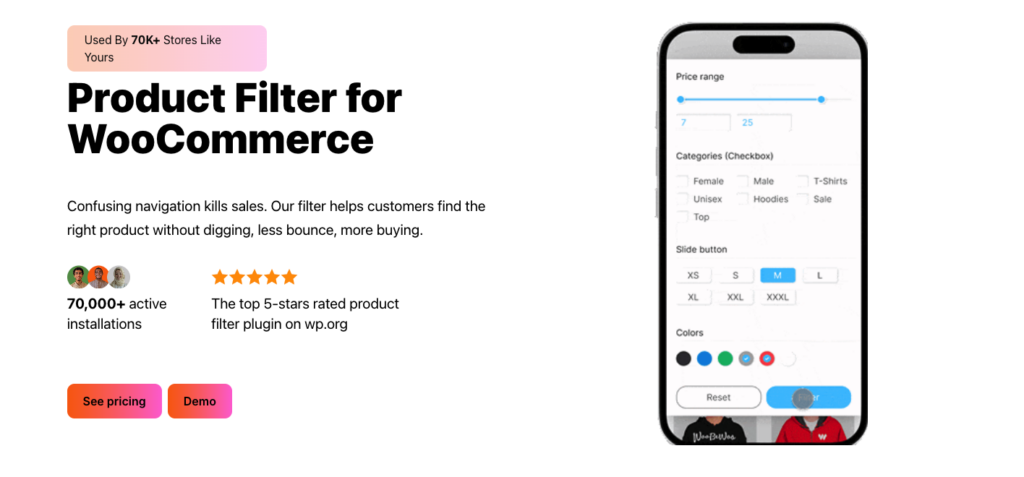
WooCommerce’s default layered navigation is limited to attribute-based filtering and requires a page reload to update results. WooCommerce Product Filter by WooBeWoo adds AJAX-powered filtering by price range, category, attribute, tag, and custom taxonomy, with results updating live as customers select filters.
400,000+ active installs on WordPress.org. The free version covers the essential filter types. The Pro version adds result counts per filter option, horizontal filter bar layouts, and compatibility with WC Show Single Variations so filtered results correctly display individual variations. From $59/year.
7. WooCommerce Back In Stock Notifications
WooCommerce has no built-in way to let customers sign up for stock alerts on out-of-stock products. This official WooCommerce extension adds a “Notify me when available” button to out-of-stock product pages. When you restock that product, the plugin automatically emails everyone on the waitlist.
For stores with products that sell out regularly, this turns missed sales into deferred sales. From $59/year on the WooCommerce Marketplace.

8. YITH WooCommerce Compare
YITH WooCommerce Compare adds a product comparison table so customers can add multiple items and view their specifications side by side. For stores selling products where specs determine the purchase decision (electronics, tools, supplements, furniture), this reduces the back-and-forth of opening multiple product pages and is a direct response to one of the most common reasons customers delay buying.
The free version on WordPress.org covers the core comparison table. The Premium version adds control over which fields appear in the table and more styling options. From $89.99/year.
Order Control and B2B Selling
If you sell wholesale, run a subscription box model, or need to enforce purchase minimums, WooCommerce’s native order controls will fall short fast. These plugins handle the purchase rules WooCommerce does not ship with.
9. WC Min Max Quantities Pro
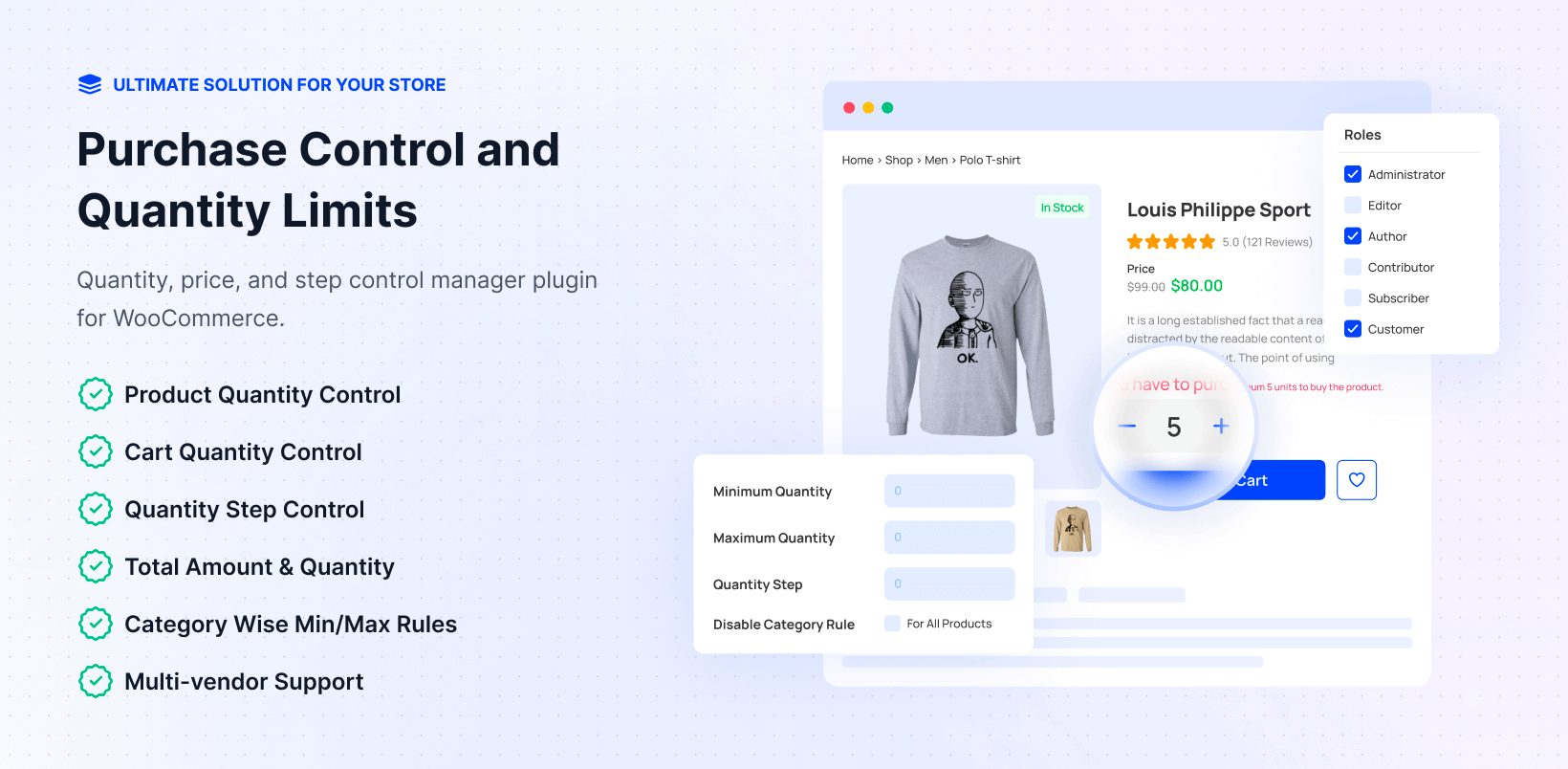
WooCommerce has no native way to set minimum or maximum purchase quantities, enforce quantity steps, or apply different order rules per customer type. WC Min Max Quantities Pro handles all of this across five rule levels: global, category, product, variation, and user role.
The rule hierarchy always resolves from most specific to most general, so a product-level rule overrides a category rule, which overrides a global one. This matters for stores that have blanket minimums but need product-level or role-level exceptions.
Practical examples: a wholesale store requiring a minimum of 12 units per order for trade accounts; a subscription box forcing purchases in multiples of 6; a limited drop capping each customer at 2 units; a B2B supplier applying different minimums per category based on buyer role.
The free version covers global and basic product-level rules. The Pro version unlocks role-based rules, category-level limits, variation-level controls, order-level min/max (cart total and cart item count), and multivendor support for Dokan and WCFM. Starts at $49/year.
Pairs naturally with WC Wholesale Manager Pro for complete B2B purchase control.
10. WC Wholesale Manager Pro
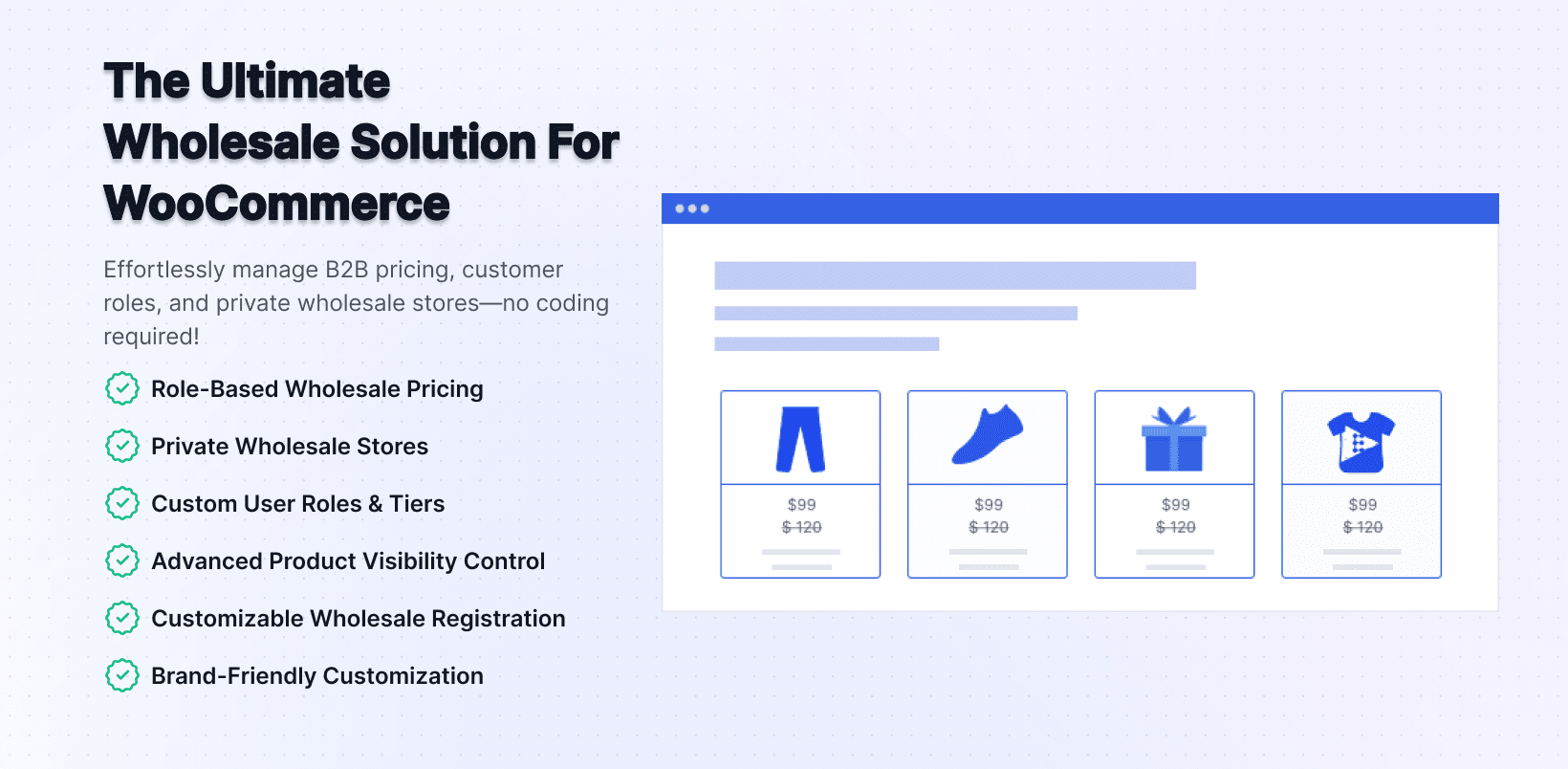
WC Wholesale Manager Pro handles wholesale pricing and role management inside WooCommerce. You create wholesale user roles, assign registered customers to those roles, and set percentage or fixed discounts on any product or category for those roles.
When used alongside WC Min Max Quantities, you get a complete B2B layer: role-specific pricing, minimum order quantities per role, and category-level spending rules. This combination covers most of what a wholesale WooCommerce store needs without any custom development.
11. WooCommerce Product Add-Ons
WooCommerce Product Add-Ons is an official WooCommerce extension that lets customers customize products before adding them to cart. Text fields for engraving, file uploads for custom print artwork, checkboxes for gift wrapping, dropdown menus for premium upgrade options.
For stores selling personalized or configurable products, this eliminates the need to create a separate variation for every possible combination. The paid version adds per-option pricing so you can charge more for specific customizations. From $79/year on the WooCommerce Marketplace.
Digital Products and License Keys
Selling software activation codes, game keys, pin codes, or any product where each purchase should deliver a unique secret string is not something WooCommerce handles natively. These two plugins solve that from key storage to customer delivery.
12. WC Serial Numbers Pro
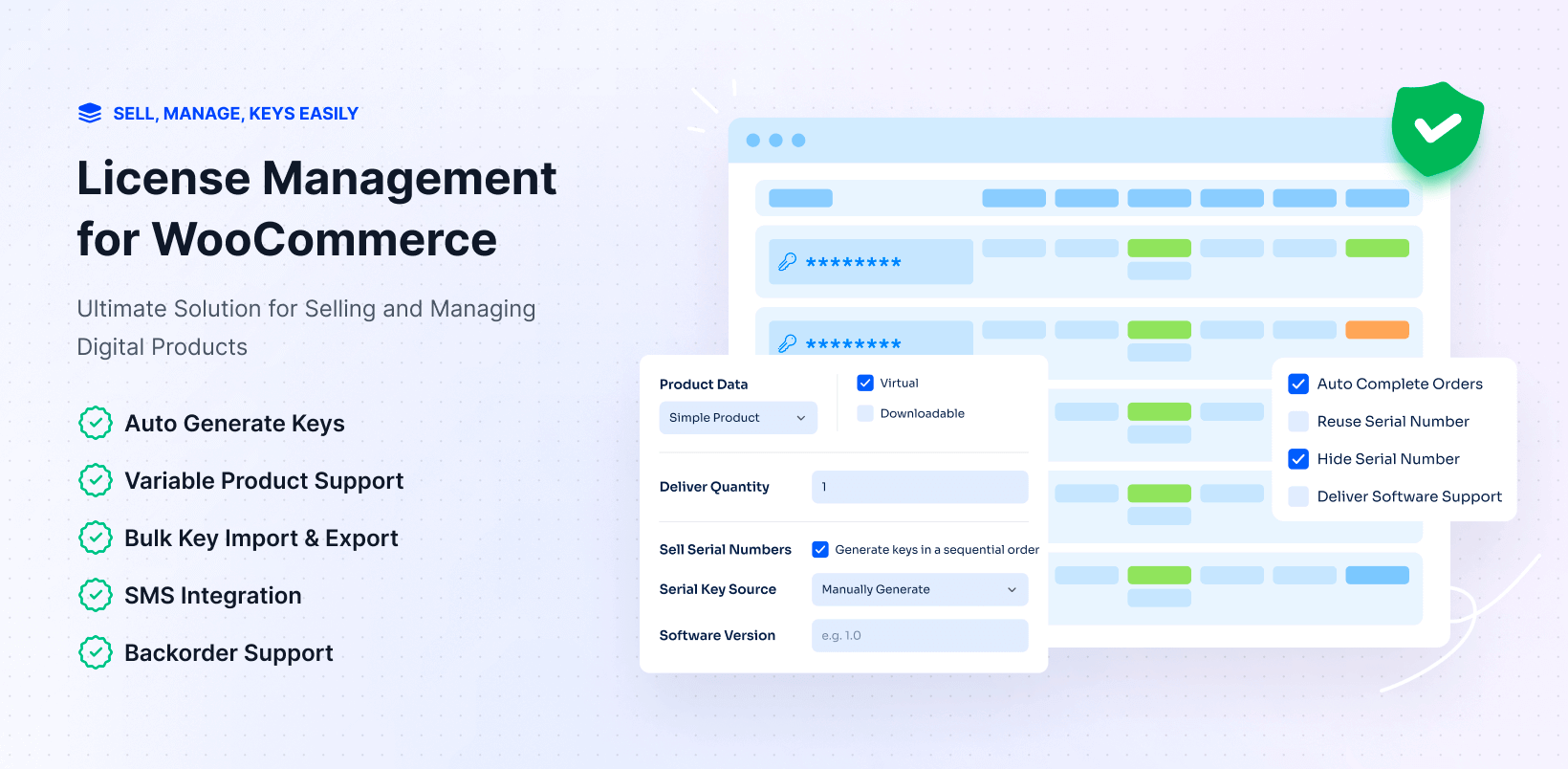
WC Serial Numbers Pro is a complete license key and serial number management system built inside WooCommerce. You load keys into product inventory via manual entry, bulk CSV/TXT import, or auto-generation rules, and the plugin delivers the right key to the right customer automatically when their order completes.
Delivery options include the order confirmation email, the My Account order details page, or SMS via Twilio. All keys are stored encrypted in the database. You also get low-stock alerts, the option to reuse keys from cancelled or refunded orders, and a REST API for external license validation and activation tracking.
The free version covers manual key entry and basic email delivery. The Pro version adds bulk CSV import, API validation, variable product support, SMS delivery, encrypted storage, and WooCommerce Subscriptions support. From $99/year. Full setup is in the Serial Numbers documentation.
Best for: Software developers selling activation codes, game key resellers, event organizers using unique entry codes, warranty tracking for physical products, and any digital store where each purchase delivers a unique string.

13. Key Manager
Key Manager is a newer alternative covering the same ground as WC Serial Numbers but with a stronger reporting layer, QR code and barcode generation per key, and a tighter WooCommerce Subscriptions integration where key expiry automatically syncs with subscription renewal cycles.
The free version on WordPress.org is genuinely capable: REST API for external validation, activation history, CSV import, and auto-generation patterns. The Pro version at wckeymanager.com adds variable product support, webhooks for external integrations, encrypted storage, custom metadata fields per key, and Twilio SMS.
Choosing between the two: Key Manager has better reporting and the subscription sync is a genuine advantage for software-as-a-service stores. WC Serial Numbers has a larger established install base and a longer production track record. Either is a strong choice.
Pricing and Promotions
WooCommerce’s built-in coupon system handles basic percentage and fixed-amount discounts. For anything more advanced, like BOGO deals, role-based pricing tiers, or a loyalty program, you need purpose-built extensions.

14. Advanced Coupons
Advanced Coupons extends WooCommerce’s default coupon system significantly. You can create BOGO deals, cart-condition coupons that apply only when specific products or a certain cart total is present, URL coupons that auto-apply at checkout without requiring customers to enter a code, and scheduled coupons that automatically go live and expire on set dates.
The scheduling feature alone saves a lot of manual work for stores that run regular weekly or seasonal promotions. The free version covers several of the extended coupon types. The Premium version adds a loyalty points system, gift cards, and store credit.
15. Product Feed Manager
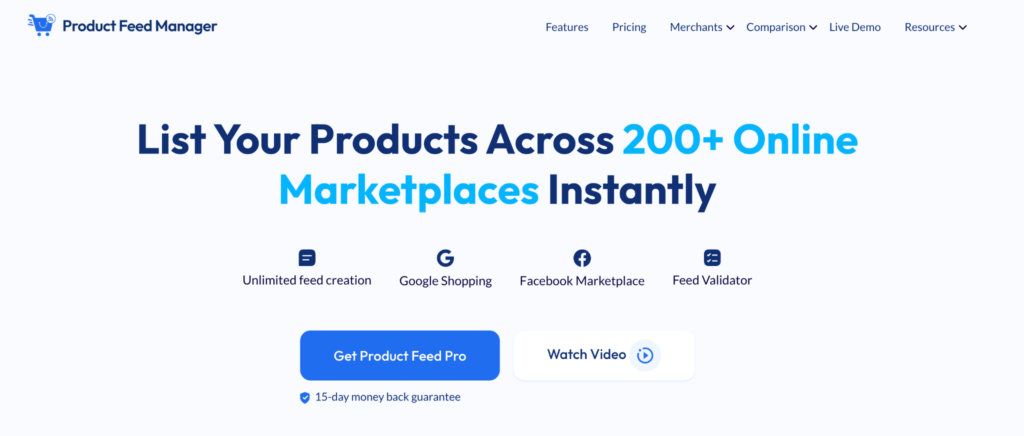
Product Feed Manager generates ready-to-submit feeds for 220+ marketplaces directly from your existing WooCommerce catalog, with a built-in validator that checks feeds against Google Shopping, Facebook Catalog, and TikTok Ads Catalog specs before submission.
The free version covers up to 200 products with the core templates and export workflow. The Pro version removes the product limit and adds category/tag filtering, dynamic pricing rules, and Google Merchant Center auto-sync. From $79.99/year.

16. WooCommerce Dynamic Pricing and Discounts
WooCommerce Dynamic Pricing and Discounts by RightPress applies rule-based discounts automatically without requiring any coupon code. You configure discounts that trigger when a customer adds more than a set quantity, buys from a specific category, has a certain user role, or reaches a cart total threshold.
This is the cleanest approach to volume-based pricing and tiered wholesale discounts in WooCommerce.
17. WooCommerce Points and Rewards
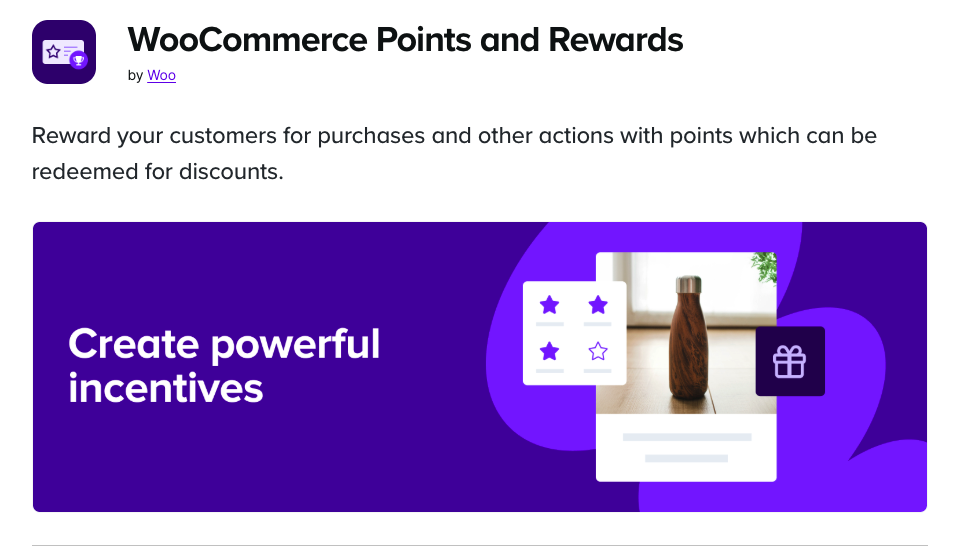
WooCommerce Points and Rewards is an official WooCommerce extension that gives customers points for purchases and lets them redeem those points for discounts on future orders. You control the earn rate, the redemption rate, and can award bonus points for specific products or categories.
A working loyalty program gives customers a concrete incentive to return rather than going to a competitor. From $129/year on the WooCommerce Marketplace.
Checkout and Conversion
The WooCommerce checkout works, but it is not optimized to minimize drop-offs or increase order value. These plugins address both problems directly.
18. FunnelKit
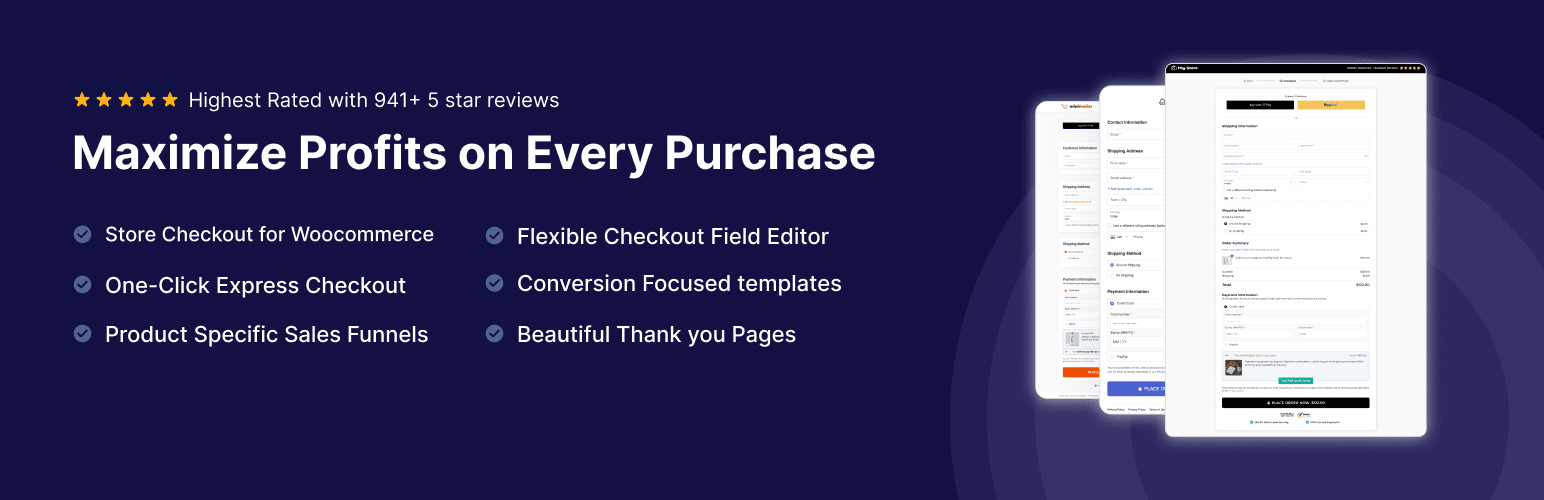
FunnelKit replaces the standard WooCommerce checkout with a cleaner, faster-loading layout and adds tools to increase average order value at the most important moment: during and immediately after checkout. Order bumps appear inside the checkout itself as a single-click add before payment. One-click upsells appear on the thank-you page after the transaction completes.
The Pro version includes A/B testing for checkout page elements, which lets you run controlled experiments on layout and copy. Free version covers the checkout builder and basic templates. Pro adds order bumps, post-purchase upsells, and A/B testing. From $99/year.
19. WooCommerce Cart Abandonment Recovery
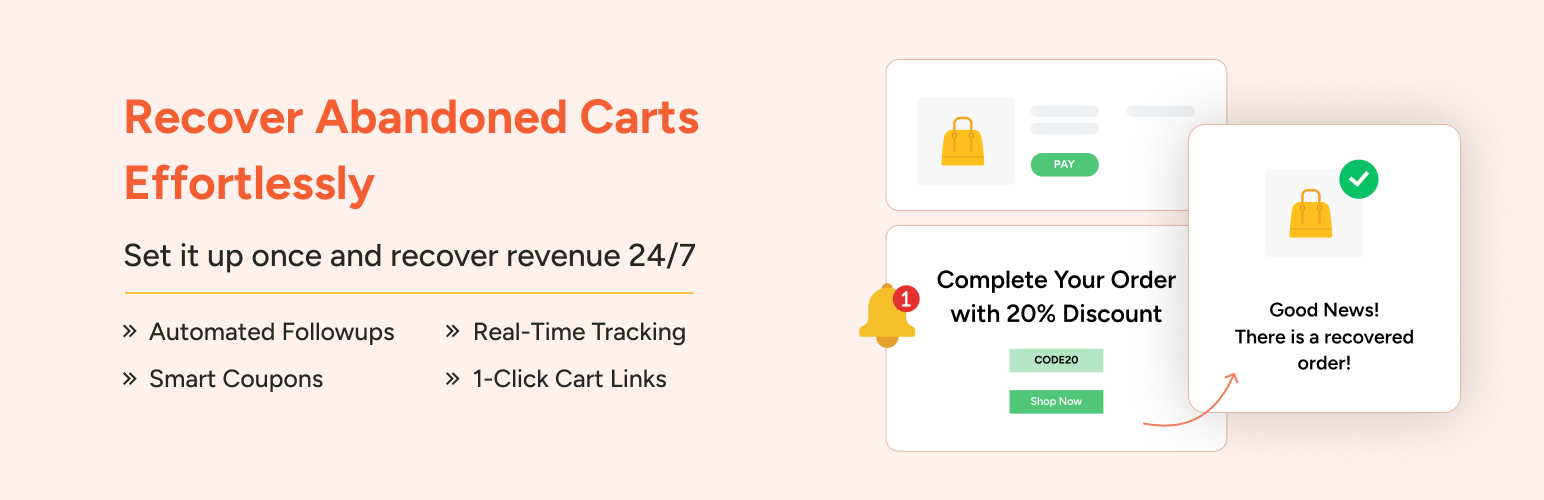
WooCommerce Cart Abandonment Recovery by CartFlows captures visitor email addresses when they reach the checkout page and sends automated follow-up emails to those who leave without completing their order. The timing, copy, and number of emails in the recovery sequence are all configurable.
One of the most downloaded WooCommerce-specific plugins on WordPress.org, with 100,000+ active installs. The free version covers the core cart recovery workflow well. A Pro version adds more advanced automation rules, automatic coupon injection into recovery emails, and deeper reporting. Free to start.
20. WooCommerce Checkout Field Editor
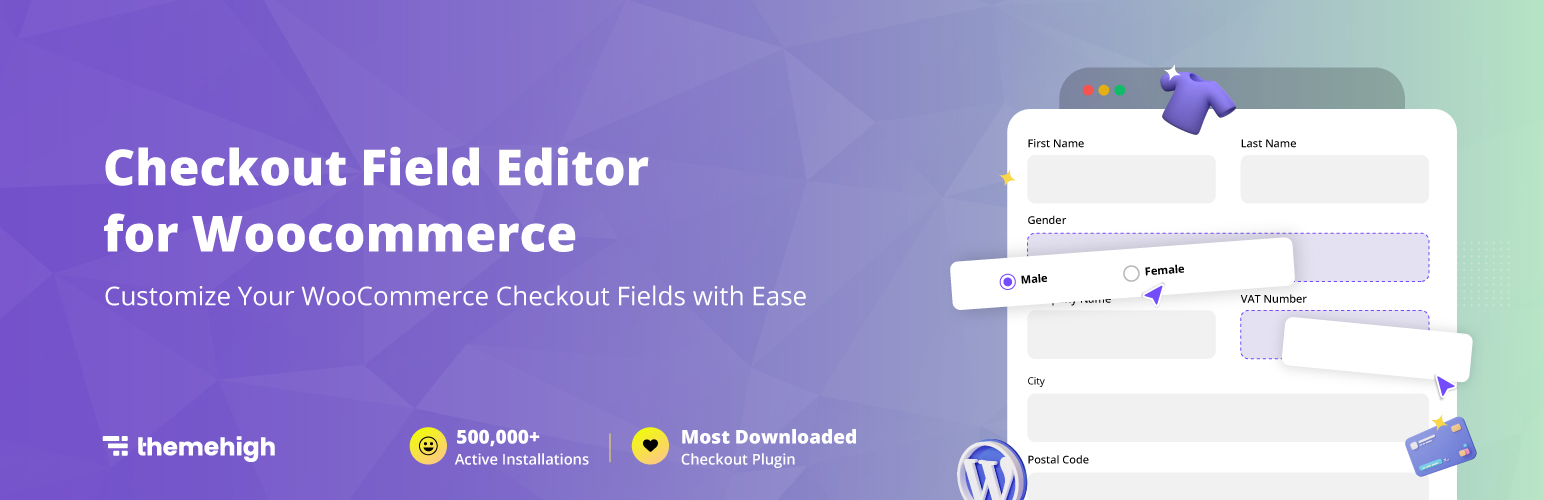
WooCommerce Checkout Field Editor by ThemeHigh lets you add, remove, reorder, and relabel fields on the WooCommerce checkout form without custom code. If you need to collect additional information at checkout (a delivery note field, a company VAT number, a preferred delivery date), this handles it without requiring a developer.
100,000+ active installs. The free version covers standard field management. The Pro version adds conditional logic so fields appear only when relevant, and custom field types like date pickers and file uploads. From $49/year.
Payments and Currency
A smooth, trustworthy payment experience is one of the strongest variables in checkout completion rates. These plugins handle card processing, regional payment methods, and multi-currency display.

21. WooPayments
WooPayments is the official, first-party payment gateway built by Automattic and the WooCommerce team. It accepts credit cards, Apple Pay, Google Pay, and various local payment methods, all managed from a single dashboard inside your WooCommerce admin. There is no separate Stripe or PayPal account to manage.
Free to install. Standard processing fees apply, on a rate structure similar to Stripe. Available in 35+ countries. For stores that want the simplest possible payment setup with everything in one place, WooPayments is the logical starting point.
22. WooCommerce Stripe Payment Gateway
The official WooCommerce Stripe plugin offers deeper Stripe-specific features for stores that already have a Stripe account. This includes Stripe Radar for fraud detection, SEPA direct debit, Sofort, iDEAL, Bancontact, and other regional European payment methods that WooPayments does not cover in every market.
700,000+ active installs on WordPress.org. Free to install; Stripe’s standard processing fees apply.

23. CURCY Multi-Currency for WooCommerce
CURCY adds a currency switcher to your WooCommerce store so international customers can view prices in their local currency. You set exchange rates manually or enable automatic syncing, choose which currencies to support, and configure where the switcher widget appears.
For stores with meaningful international traffic, displaying prices in local currency reduces friction at the pricing decision stage. The free version on WordPress.org covers the core multi-currency functionality. The Pro version adds payment gateway-specific currency rules and additional switcher placement options. From $29/year.
Shipping and Fulfillment
Unexpected shipping fees and rate confusion are among the most commonly cited reasons for cart abandonment. These plugins help you offer accurate rates and keep fulfillment manageable.

24. WooCommerce Shipping
WooCommerce Shipping is a free, official plugin that connects your store to discounted USPS and DHL Express rates and lets you print shipping labels directly from your WooCommerce order dashboard without leaving your site. For US-based stores, the discounted rates can noticeably reduce fulfillment costs compared to retail carrier pricing.
The main limitation is that it is primarily US-focused and does not support many international carriers out of the box. For global shipping needs, Table Rate Shipping or a dedicated carrier plugin is a better fit.
25. WooCommerce Table Rate Shipping
Table Rate Shipping is a premium WooCommerce extension that calculates shipping costs based on rules you define: order weight, cart total, item count, destination zone, or any combination of those factors. This is the right tool when flat-rate estimates are either costing your store money or causing customers to abandon at the shipping cost step.
From $119/year on the WooCommerce Marketplace. For stores that regularly lose margin on shipping because their flat rates are miscalibrated, the plugin typically pays for itself quickly.
Email and Customer Notifications
WooCommerce sends basic transactional emails, but they are plain in design and can be unreliable depending on your hosting setup. These plugins handle WooCommerce-specific email automation and order notifications.

26. MailPoet for WooCommerce
MailPoet is a WooCommerce-native email marketing plugin that runs entirely inside your WordPress dashboard. It handles transactional email delivery (order confirmations, shipping notices), automated WooCommerce sequences (post-purchase follow-ups, win-back campaigns, review requests), and a newsletter editor for your subscriber list.
Because it reads your WooCommerce product and customer data directly, you can build segments like “customers who bought X but not Y” without exporting to a third-party platform. The free plan covers up to 1,000 subscribers. Paid plans start at $10/month.

27. Mailchimp for WooCommerce
Mailchimp for WooCommerce is the official connector between your store and Mailchimp. It syncs order data, product data, and customer segments to your Mailchimp account automatically, enabling abandoned cart emails, post-purchase sequences, product recommendation emails based on order history, and audience segmentation by purchase behavior.
Free plugin. Mailchimp plan costs apply based on list size.
28. WC WhatsApp Notifications
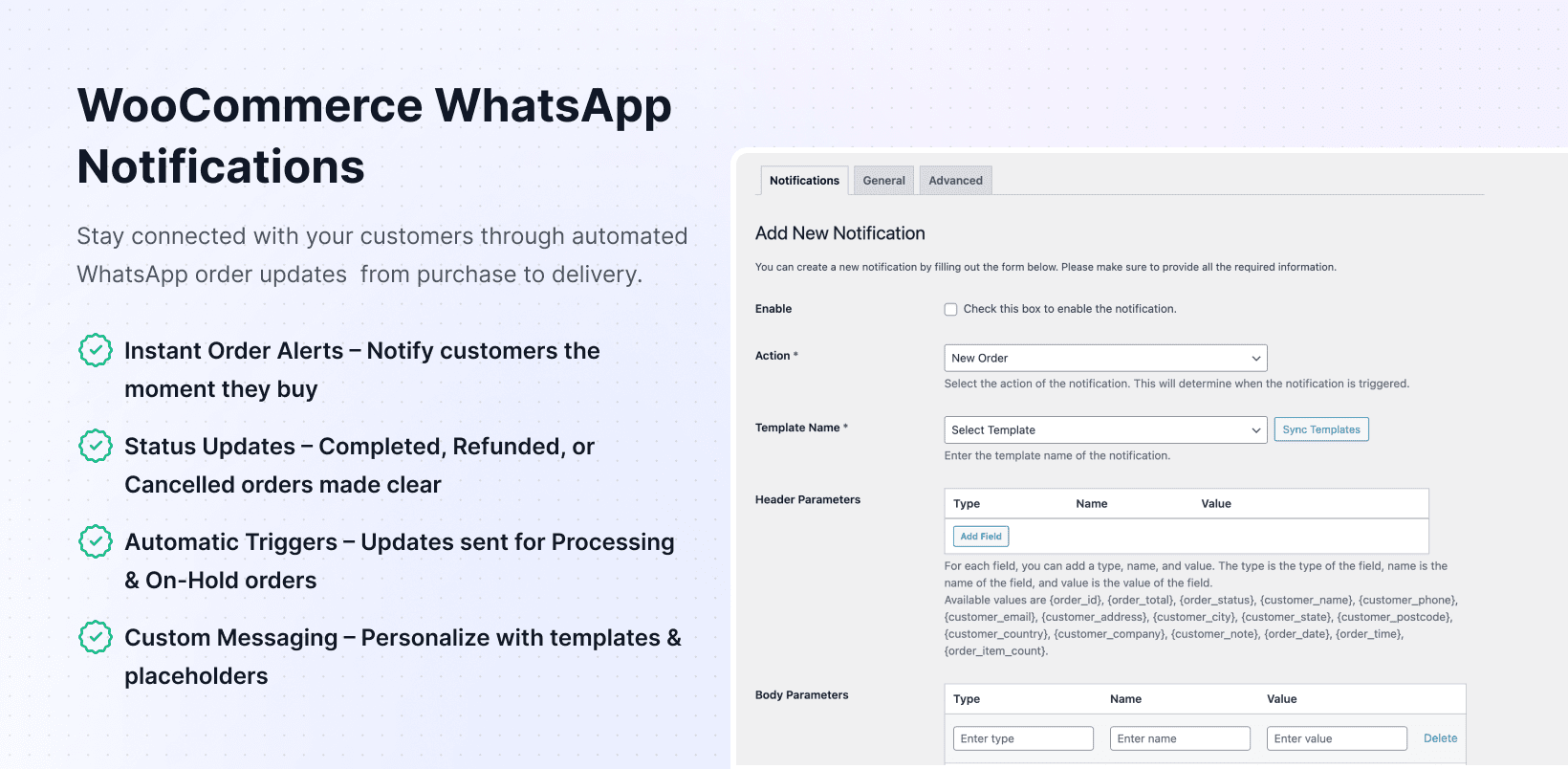
For stores in markets where WhatsApp is the dominant communication channel (South Asia, Southeast Asia, Latin America, the Middle East, Africa), WC WhatsApp Notifications sends real-time order status updates directly to customers via WhatsApp.
New order confirmations, status changes, shipping updates, and refund notices all go out automatically. For stores where email open rates are low but WhatsApp messages are read within minutes of delivery, this closes a real communication gap. From $39/year.
Pairs naturally with WC Serial Numbers for stores that want to deliver license keys via both email and WhatsApp.
Store Operations and Management
These plugins handle the day-to-day operational side of running a WooCommerce store: order workflow management, customer documentation, and fraud prevention.
29. WooCommerce Order Status Manager
WooCommerce Order Status Manager is an official WooCommerce extension that lets you create custom order statuses with automated email notifications triggered at each stage transition. If your fulfillment workflow includes stages like “Awaiting Materials,” “In Production,” or “Ready for Pickup,” this plugin adds those statuses and handles the customer notifications automatically.
From $49/year on the WooCommerce Marketplace. For stores with multi-step fulfillment processes, this replaces a lot of manual status update emails and reduces support queries about order progress.

30. WooCommerce PDF Invoices and Packing Slips
WooCommerce does not generate PDF invoices automatically. This plugin (by Ewout Fernhout, 300,000+ active installs on WordPress.org) attaches a PDF invoice to every order confirmation email and lets customers download their invoices from the My Account page. For B2B stores where buyers need invoices for expense claims or accounting, this is a practical requirement.
The free version covers most stores well. A Premium version from WP Overnight adds packing slips, pick lists, and customizable invoice templates. Free to start.
31. WooCommerce Anti-Fraud
WooCommerce Anti-Fraud is an official WooCommerce extension that scores every incoming order against a set of risk indicators: mismatched billing and shipping countries, orders placed via proxy or VPN IP addresses, unusual order values, and checkout patterns associated with fraudulent activity.
Orders above a configurable risk threshold are automatically held for manual review instead of being processed. For stores that have experienced fraudulent orders, this stops the problem before it reaches fulfillment. From $79/year on the WooCommerce Marketplace.
Analytics and Reporting
WooCommerce’s built-in reports tab covers basic order totals. It does not tell you customer lifetime value, cohort retention, or which acquisition sources drive the most revenue.
32. Metorik
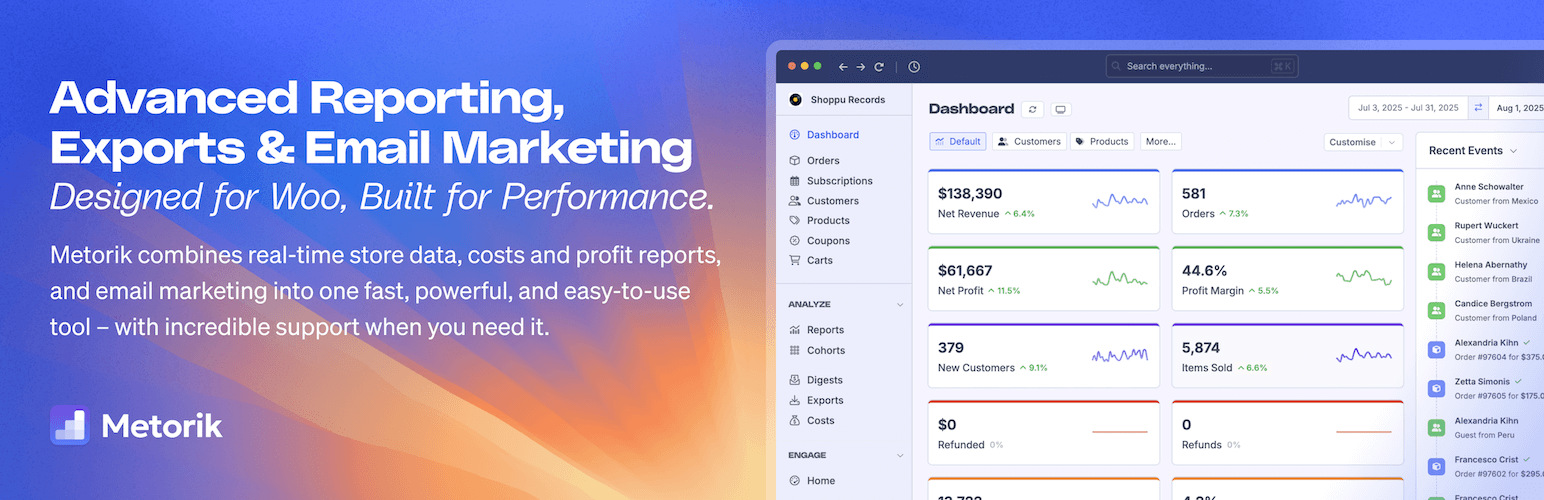
Metorik is a purpose-built analytics and reporting platform for WooCommerce. It goes significantly deeper than WooCommerce’s native reports: cohort analysis, customer lifetime value by acquisition source, subscription churn tracking, inventory forecasting, and segmented customer lists you can export for targeted re-engagement campaigns.
Data syncs directly from your WooCommerce store in near real-time. For stores doing serious revenue that need real customer analytics rather than just order counts and revenue totals, Metorik is the best WooCommerce-specific option available. Starts at $50/month billed annually.
Subscriptions and Recurring Revenue
WooCommerce does not support recurring billing natively. If subscription products are part of your business model, this extension is the standard solution.
33. wePOS – Point Of Sale (POS) for WooCommerce & Dokan
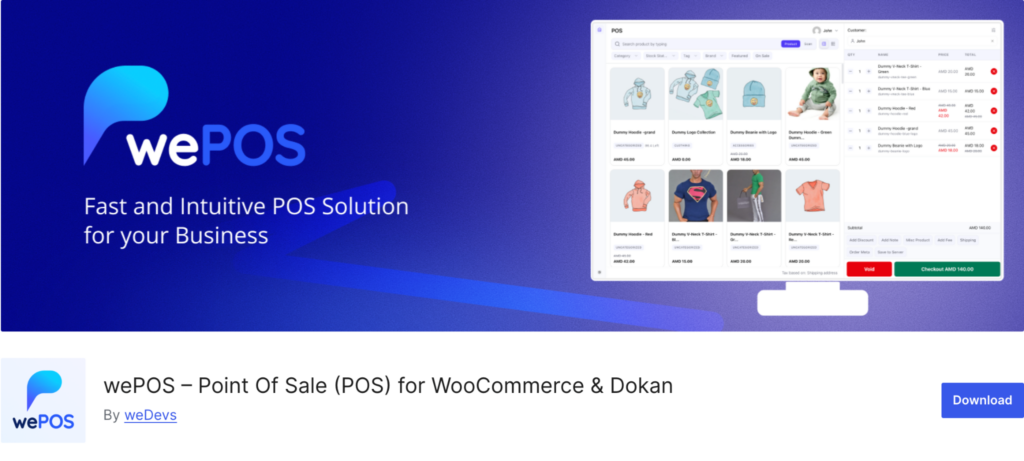
wePOS is a WordPress point of sale plugin built for WooCommerce and Dokan. It lets store owners sell online and at the counter from one connected system, so stock, orders, and customers stay in sync across both channels. With barcode scanning, one-tap checkout, and built-in receipts, it turns any WooCommerce store into a real retail counter. It suits both single-store owners and multivendor marketplace vendors, and a free version is available on WordPress.org.
34. WooCommerce Subscriptions
WooCommerce Subscriptions is the official extension for recurring billing in WooCommerce. It adds subscription product types with weekly, monthly, and annual billing cycles, free trials, sign-up fees, synchronized billing date management across subscriber accounts, and a subscriber management panel inside WooCommerce admin.
Customers can pause, cancel, or upgrade their subscriptions directly from My Account. The plugin integrates with Key Manager so license key expiry syncs automatically with subscription renewal cycles.
At $279/year it is one of the more expensive extensions on this list. For stores where subscription revenue is core to the business model, it is the most stable and best-supported option available.
Product Types and Bundles
WooCommerce’s default product types cover simple and variable products. These official extensions add the three most commonly requested additional product types.
35. WooCommerce Product Bundles
WooCommerce Product Bundles lets you group multiple products into a single purchasable bundle with bundle-level pricing. Customers see the items included, and the plugin handles stock management across all bundled products automatically, deducting inventory for each component as bundles are purchased.
Useful for gift sets, starter kits, multi-product packages, and any upsell scenario where buying a group of products together is offered at a discount. From $79/year on the WooCommerce Marketplace.
36. WooCommerce Bookings
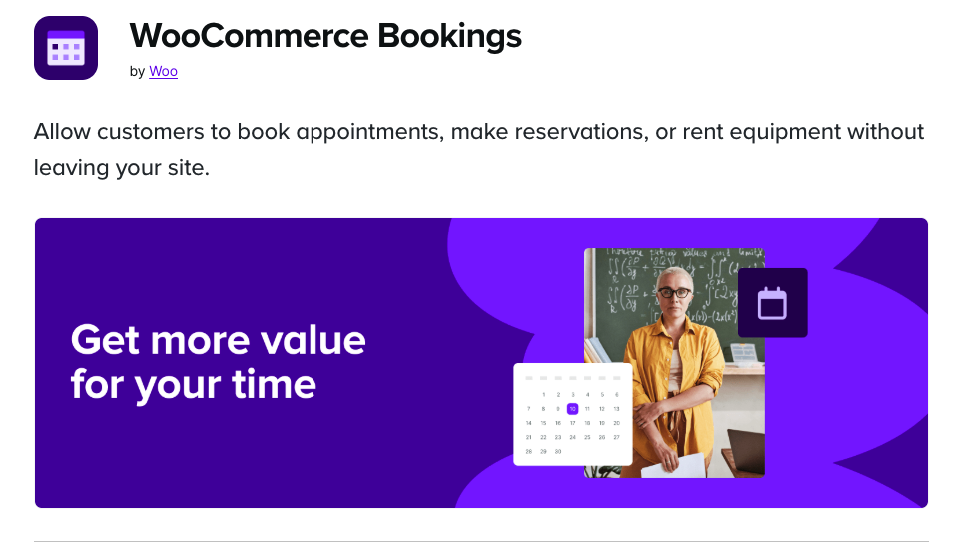
WooCommerce Bookings is the official extension for selling appointment, booking, and reservation products. It adds a calendar-based booking interface to product pages, supports one-on-one and group bookings, lets you configure availability rules and buffer times between bookings, and includes staff and resource management for stores with multiple service providers.
For service businesses running on WooCommerce (salons, consultants, tutors, photography studios, clinics), this turns a product listing into a fully functional booking system without switching to a dedicated booking platform. From $249/year.
37. WooCommerce Memberships
WooCommerce Memberships is the official extension for gating content and products behind membership plans. You create membership tiers, define which products, categories, or content pages each tier unlocks, set member-only pricing, and control access with a drip-content schedule if needed.
Pairs naturally with WooCommerce Subscriptions for stores that want to sell memberships on a recurring billing model. From $199/year on the WooCommerce Marketplace.
Frequently Asked Questions
How many WooCommerce plugins should a store have?
There is no fixed number, but each plugin adds to server load and creates potential conflicts with others. A well-run store with 15 to 25 active plugins is common. The rule to follow: install plugins that solve a problem you actually have today, not ones you might need someday.
Are free WooCommerce plugins good enough?
For some use cases, yes. WC Variation Swatches, WooCommerce PDF Invoices, Mailchimp for WooCommerce, and WooCommerce Cart Abandonment Recovery all have free versions that work well for most stores. For others, like WooCommerce Subscriptions or WooCommerce Bookings, the functionality you actually need is only in the paid version. This guide notes which tier is sufficient for each plugin.
<strong>Do WooCommerce plugins slow down my store?</strong>
Poorly coded plugins can. Well-written plugins add minimal overhead. The key is avoiding plugins that load scripts globally when they are only needed on specific pages. WC Category Slider Pro, for example, only loads its assets on pages where the slider is actually displayed.
Which WooCommerce plugins are essential for a new store?
For most stores, the short list is: a payment gateway that fits your market (WooPayments or Stripe), WooCommerce PDF Invoices for professional receipts, a cart abandonment recovery tool, and any product display plugins that match how customers browse your catalog. Everything else depends on what you specifically sell and where customers are dropping off.
Do I need both WC Serial Numbers and WC Key Manager?
No. They solve the same problem. For new stores, WC Key Manager is the more feature-rich choice. For stores already running WC Serial Numbers with no issues, there is no strong reason to migrate unless you specifically need subscription sync or QR code generation.
Final Thoughts
The right combination of plugins depends entirely on what your store sells and where it is losing customers. A wholesale B2B operation, a fashion boutique, a software licensing business, and a booking-based service all have completely different needs. There is no single stack that works for every WooCommerce store.
A sensible starting point for most stores: get your payment gateway sorted, set up an abandoned cart recovery flow, improve product display to match how customers browse your catalog, and add pricing or promotional tools once your baseline conversion rate is established.
If you sell to wholesale buyers or need purchase quantity control, WC Min Max Quantities Pro and WC Wholesale Manager Pro handle the B2B layer cleanly. For digital products and software licenses, WC Serial Numbers Pro or WC Key Manager covers everything from key delivery to API validation. And for stores where product and category display needs improving, WC Category Slider, WC Category Showcase, and WC Show Single Variations all have free versions to try before upgrading.
Start with the problem your store has right now, find the plugin that solves it, and build from there.
Leave a Reply
You must be logged in to post a comment.