
Define how your variation swatches look by setting their shape style and dimensions. Create a consistent, branded appearance across all product variations.
Access Shape Settings
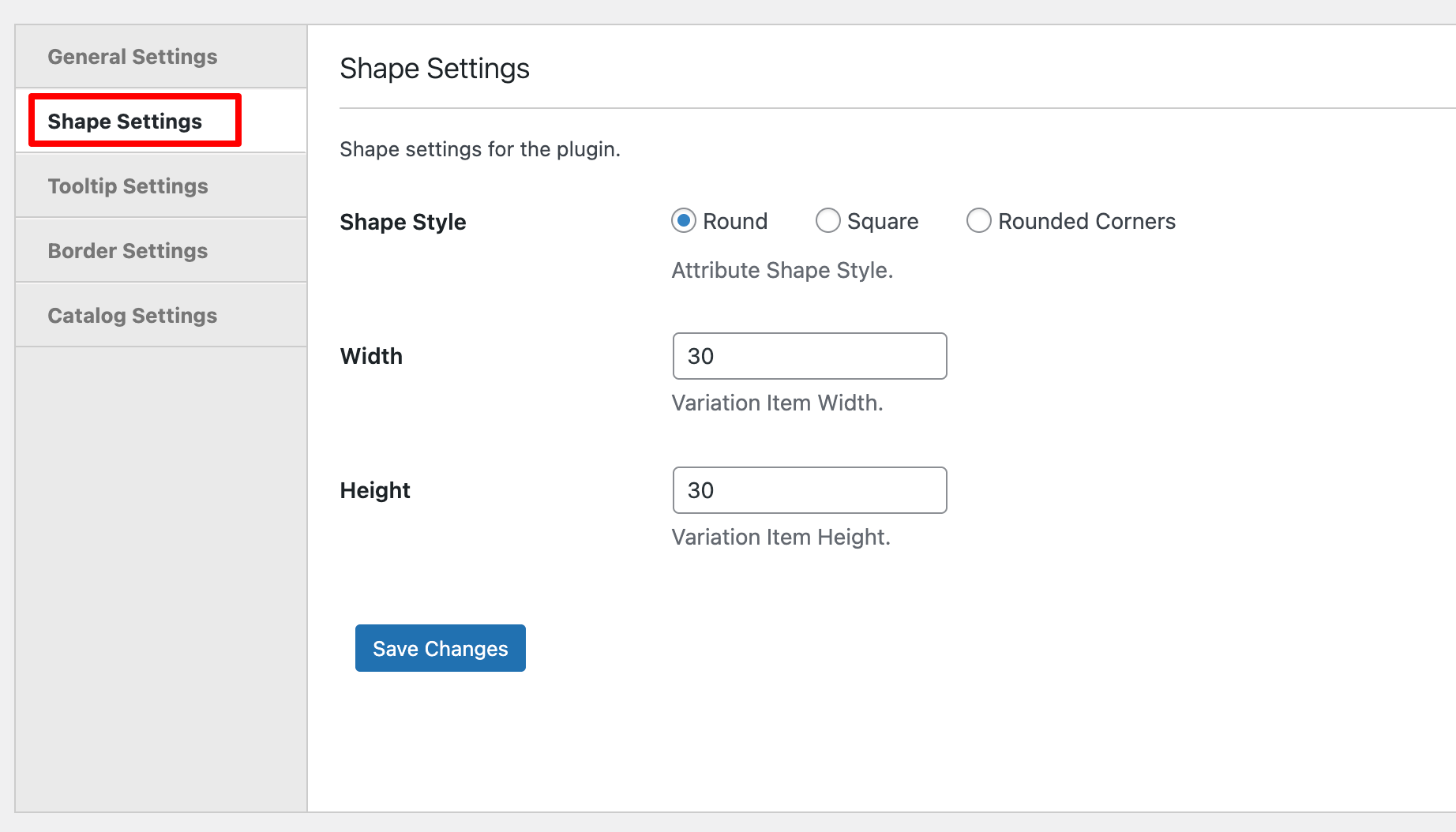
Navigate to Products > Variation Swatches in your WordPress dashboard and click the Shape Settings tab.
Configuration Options
Shape Style
Choose the visual shape for all variation swatches:
- Round – Displays swatches as circles, perfect for color options
- Square – Displays swatches as squares with sharp corners, ideal for a modern look
- Rounded Corners – Displays swatches as squares with softened edges, balancing modern and friendly
Width
Set the width of each swatch in pixels. Adjust based on your product page layout and the amount of detail needed.
Height
Set the height of each swatch in pixels. Match this with your width for uniform shapes, or adjust independently for rectangular swatches.
Save Changes
Click Save Changes to apply your shape settings across all variation swatches.
Next Step
After customizing swatch shapes and sizes, proceed to set up Tooltip Settings to add helpful hover information.