




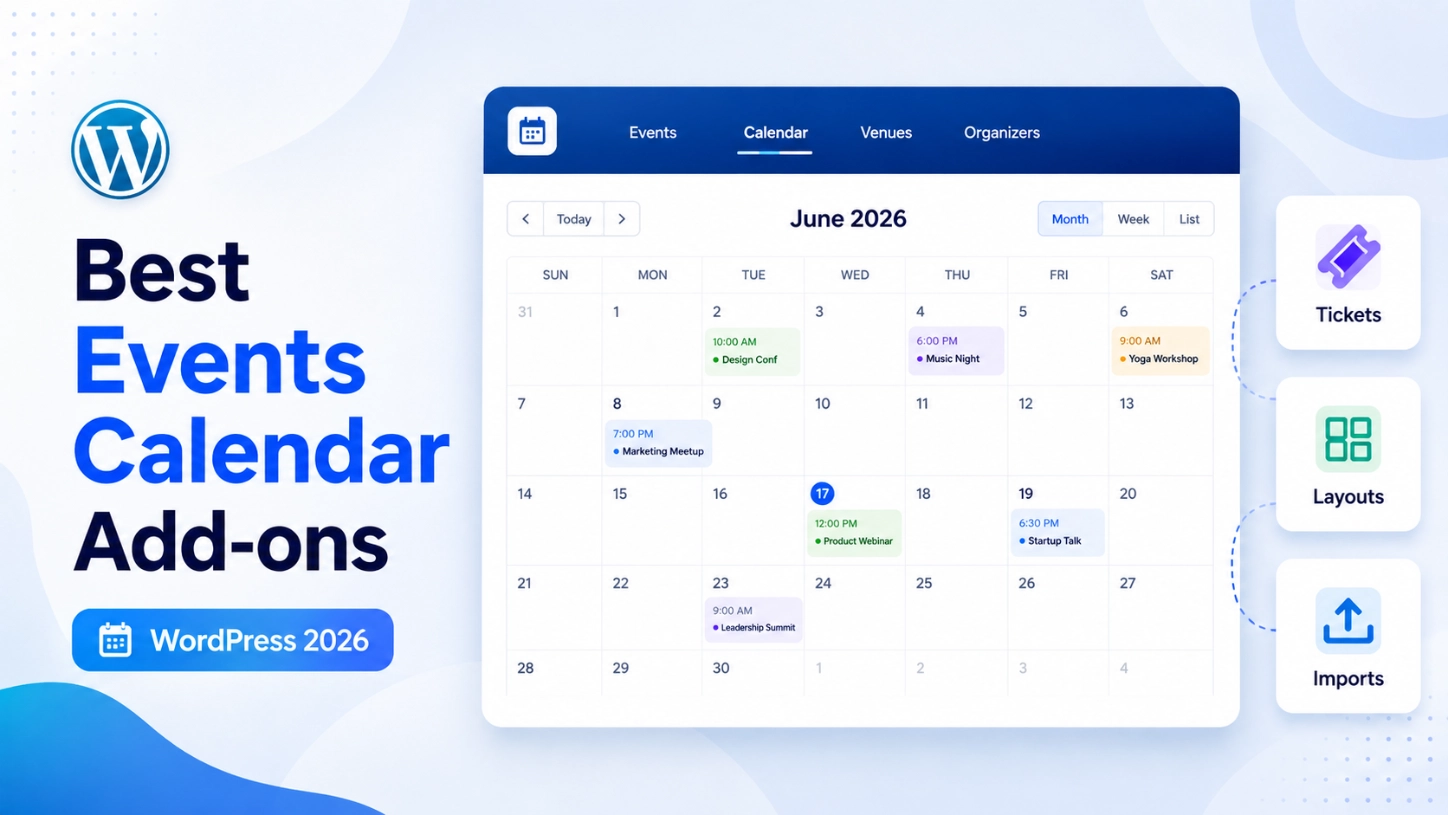
The Events Calendar handles the core event-management job well, but plenty of WordPress sites outgrow the default setup fast: better presentation, recurring schedules, ticketing, imports, community submissions, Elementor widgets, or attendee emails. Once that happens, the question isn’t whether to add something, it’s which add-on actually matches the gap.
This roundup of the best events calendar add-ons for WordPress works through nine options, from display plugins to the official premium tools built by the team behind The Events Calendar. Each entry covers what it does, who it fits, and where it falls short, so you can match a real need to a specific plugin instead of installing everything at once.
Quick Comparison: Best Events Calendar Add-ons at a Glance
| Add-on | Best for | Main purpose | Free option? |
| Eventful | Flexible display layouts | Carousel, grid, timeline & other event layouts | Yes (lite version) |
| Eventful for Elementor | Elementor-built sites | Native Elementor widgets for event display | Yes (lite version) |
| Events Calendar Pro | Recurring & advanced calendars | Recurring events, extra views, custom fields | No |
| Event Tickets (+ Plus) | Ticketing and RSVPs | RSVPs, ticket sales, registration | Yes (core plugin) |
| Event Aggregator | Automatic event imports | Pulls events from external calendars/feeds | Partial (CSV only) |
| Community Events | Front-end submissions | Public event submission with moderation | No |
| Shortcode & Block | Simple event embeds | Built-in shortcode/block for listing events | Yes |
| Events Widgets for Elementor | Free Elementor alternative | Elementor widget + single-event templates | Yes |
| Promoter | Event email marketing | Scheduled & triggered attendee emails | No |
1. Eventful – Best for Flexible Event Display Layouts

Eventful is a display-focused add-on for The Events Calendar, changing how events look on the front end rather than how they’re managed.
Standout features:
- Carousel, grid, masonry, and timeline layouts
- AJAX-powered filtering and search
- Works across the block editor, Elementor, and Divi
Best for: Sites where events already work but the calendar page looks flat.
Pros: Builder-agnostic, with several layout styles in one plugin. Cons: Presentation only — recurring schedules or ticketing still need a separate add-on.
Pricing: free on WordPress.org. Pro starts at $49/year for one site.
2. Eventful for Elementor – Best for Elementor Websites

Eventful for Elementor adds native Elementor widgets for The Events Calendar, so events are styled inside the Elementor editor itself rather than through shortcodes.
Standout features:
- Native Elementor widgets, not shortcode embeds
- Grid, list, and carousel layout options
- Filtering by event type, taxonomy, and keyword
Best for: Agencies and freelancers building event pages entirely inside Elementor.
Pros: No separate shortcode syntax to learn.
Cons: Only useful on Elementor-built sites; adds nothing elsewhere.
Pricing: free on WordPress.org. Pro starts at $39/year for one site.
3. Events Calendar Pro – Best Official Upgrade for Recurring and Advanced Events
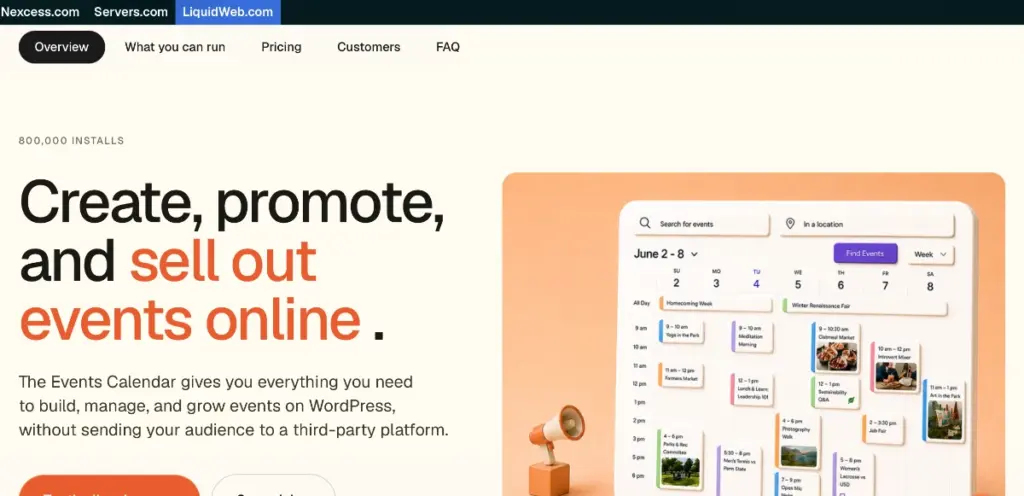
The official premium upgrade from the team behind The Events Calendar, Events Calendar Pro adds recurring schedules and calendar views the free plugin lacks.
Standout features:
- Recurring event patterns with per-occurrence editing
- Additional views, including week, map, and photo
- Custom event fields and advanced widgets
Best for: Schools or training teams running events that genuinely repeat on a weekly or monthly schedule.
Pros: Solves scheduling complexity no display plugin can fix.
Cons: A calendar-engine upgrade, not a visual one – overkill if the only complaint is appearance.
Pricing: included in plans from $259/year (Essentials) at the time of writing.
4. Event Tickets – Best for Tickets and RSVPs
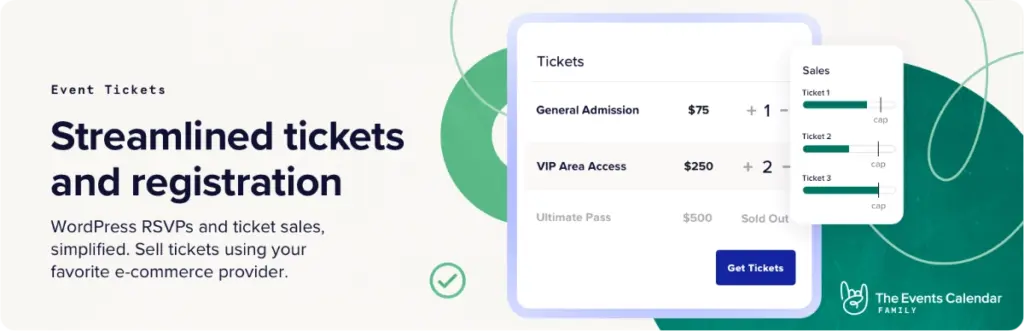
Free and built by The Events Calendar team, Event Tickets covers RSVPs and paid ticket sales through built-in Stripe and PayPal commerce, and works with or without The Events Calendar installed. Event Tickets Plus extends the same plugin with custom registration fields, WooCommerce integration, and a mobile check-in app.
Standout features:
- Free RSVPs and ticket sales
- Built-in Stripe and PayPal commerce
- Plus adds WooCommerce and custom fields
Best for: Any event that needs a headcount, a paid ticket, or both.
Pros: Core ticketing functionality is genuinely free, not a trial.
Cons: Advanced commerce features require Event Tickets Plus, bundled into the paid plans above.
Pricing: free on WordPress.org; premium ticketing (formerly Event Tickets Plus) is part of the Pro plan at $399/year at the time of writing.
5. Event Aggregator – Best for Automatic Event Imports
Event Aggregator imports events into The Events Calendar automatically from Google Calendar, Meetup, Eventbrite, iCalendar feeds, or a generic URL, either once or on a recurring schedule.
Standout features:
- Imports from Google Calendar, Meetup, Eventbrite, and iCal
- Free CSV import
- One-time or scheduled recurring imports
Best for: Associations or calendars meant to be a single destination for events that exist elsewhere first.
Pros: Removes duplicate manual entry when events already exist on other platforms.
Cons: Only CSV import is free; live feed sources require a paid plan.
Pricing: included in plans from $259/year at the time of writing.
6. Community Events – Best for Front-End Event Submissions
Community Events adds a public submission form so visitors, members, or partner organizations can add their own events without a WordPress login, with a moderation queue for review before anything goes live.
Standout features:
- Front-end submission form for non-admin users
- Moderation queue for editorial control
- Submitter dashboard for managing past entries
Best for: Nonprofits, schools, or directory sites where events come from more people than you’d hand a dashboard login.
Pros: Opens up event creation without expanding who has WordPress access.
Cons: The moderation workflow adds a step, and it’s unnecessary for a small internal editing team.
Pricing: Sold as part of the same bundled annual plans referenced under Events Calendar Pro.
7. The Events Calendar Shortcode & Block – Best for Simple Event Embeds
Before reaching for a dedicated display plugin, it’s worth knowing The Events Calendar’s free core plugin already includes a shortcode and a native block for dropping an event listing into any page or post.
Standout features:
- Built into the free core plugin
- Native block editor support
- Shortcode option for older themes or builders
Best for: Sites that just need a simple event list on a sidebar or landing page.
Pros: Free, and already available if The Events Calendar is active.
Cons: Minimal styling compared with a dedicated display plugin; no carousel or masonry layout.
Pricing: Free, included with the core plugin.
8. Events Widgets for Elementor – Best Alternative Elementor Add-on

A free alternative to paid Elementor add-ons, Events Widgets For Elementor And The Events Calendar pairs a native event widget with a single-event page builder for replacing the default event template.
Standout features:
- Free native Elementor widget
- Single-event page builder for custom templates
- Available directly through WordPress.org
Best for: Elementor users wanting a no-cost widget or a redesigned single-event page.
Pros: Native Elementor integration at no cost.
Cons: As community-maintained software, update pace and support depth may be less predictable than a commercial product.
Pricing: Free.
9. Promoter – Best for Event Email Marketing
The Events Calendar team’s official email marketing service, Promoter, sends scheduled and triggered messages tied to RSVPs or ticket purchases, plus pre-built campaigns and attendee list segmentation. It runs as a separate cloud service alongside the site rather than as a plugin.
Standout features:
- Scheduled and triggered attendee emails
- Attendee list segmentation
- Connects directly to The Events Calendar and Event Tickets
Best for: Sites wanting event-specific reminders and follow-ups without building the automation themselves.
Pros: Built specifically for event and ticket triggers, not adapted general email software. Cons: A separate subscription; sites with an existing CRM may prefer connecting it through an automation tool instead.
Pricing: Sold as a separate annual subscription; check the official site for current plans, verified August 2026.
How to Choose the Right Events Calendar Add-on
Start with the actual complaint, not the plugin list. If the calendar looks plain, a display add-on fixes that faster than anything else here. If events genuinely repeat on a schedule, Events Calendar Pro solves a problem no display plugin can. Ticketing, importing, and community submissions are three separate jobs, a site rarely needs all three at once, so add only what the current workflow is missing. Elementor-specific tools matter most when the whole site is built and maintained inside Elementor; everyone else can usually get by with shortcode-based options instead.
Frequently Asked Questions
What are the best add-ons for The Events Calendar?
It depends on the gap. Display plugins like Eventful improve presentation, Events Calendar Pro handles recurring schedules, Event Tickets covers sales, and Event Aggregator or Community Events handle imports and submissions.
Do The Events Calendar add-ons work with the free plugin?
Most do. The core plugin is free, and add-ons like Event Tickets or Eventful work alongside it without requiring Events Calendar Pro.
Do I need Events Calendar Pro to use third-party add-ons?
No. Pro adds recurring events and extra views, but display, ticketing, or Elementor plugins generally work with the free core plugin on its own.
What's the best way to display events in a grid or carousel?
A dedicated display add-on, or an Elementor-specific option on Elementor-built sites, handles carousel and grid layouts more directly than the default views.
Which add-on is best for Elementor?
Eventful for Elementor and Events Widgets for Elementor both add native widgets; the choice usually comes down to budget and whether a single-event template builder is needed.
- Display add-ons solve a presentation problem; they don’t add scheduling or ticketing functionality.
- Events Calendar Pro is worth it once events genuinely repeat or extra views are needed, not for cosmetic reasons.
- Ticketing, importing, and community submissions are separate jobs that call for separate tools.
- Elementor-specific widgets matter most to teams that build entirely inside Elementor; others can rely on shortcode-based plugins.
- The free core plugin already includes a shortcode and block for basic event embeds.
- No single add-on is right for every event site, match the tool to the actual gap in your setup.
Leave a Reply
You must be logged in to post a comment.