





A great booking system can fill your calendar. Yet a poor one…..it drives customers away before they ever book.
Think about the last time you tried to schedule an appointment online. If the process felt slow, confusing or required too many steps, you probably left the website. Your visitors do exactly the same.
Research shows that people expect fast and hassle free online experiences, and even a 1 second delay in page load time causes up to a 7% drop in conversions. Further, with over 50% of people now willing to go to a competitor to avoid friction, even the small points of friction hurt your conversions.
The right WordPress booking plugin lets you accept appointments 24/7, lower manual work, avoid double bookings and create a smooth customer experience from the very first click.
Thus, we’ve done the hard job for you.
After reviewing the leading booking plugins available today, we’ve narrowed the list to the six best WordPress booking plugins for 2026.
Quick Comparison: Best WordPress Booking Plugins For 2026
Short on time? No worries! Here are the best WordPress booking plugins for your appointment-based business.
| Rank | Plugin | Best For | Free Version | Starting Price |
| 🥇 1 | BookingPress | All-in-one booking solution for growing service businesses. | ✅ | $89/year |
| 🥈 2 | Booktics | Service businesses managing appointments, staff, and payments. | ✅ | $63/year |
| 🥉 3 | MotoPress Appointment Booking | Freelancers, salons, clinics & fitness businesses. | ✅ | $49/year |
| 4 | Bookster | Small businesses wanting a modern, easy to use booking system. | ✅ | $79/year |
| 5 | GravityBooking | Gravity Forms users, agencies & developers. | ❌ | $79/year (+ Gravity Forms) |
| 6 | Webba Booking | Businesses needing advanced scheduling & customization. | ✅ | $49/year |
| 7 | Easy Appointments | Multi location businesses and budget conscious users. | ✅ | $59/year |
Top 7 Appointment Booking Plugins for WordPress
1. BookingPress
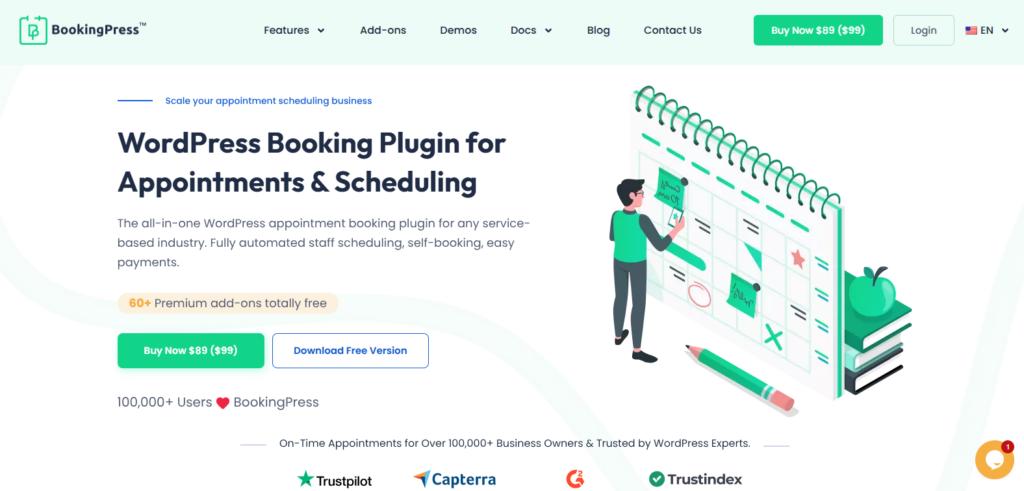
BookingPress is the best WordPress booking plugin around here. It turns your simple WordPress site into a complete online booking system in just a few clicks, even if you’re a non tech-savvy user.
Thanks to its guided setup wizard, setting up the complete booking form on our website took around 10-15 minutes only. The interface was intuitive and fast, for everyone including admin, staff members and customers. You can easily manage unlimited appointments, services, staff members and locations, while your customers can book, cancel or reschedule without hassle.
Plus, you can also accept on-site or online payment, be it full or deposit, via 21+ payment gateways + POS System. To lower no-shows, you can also send automatic notifications via Email, SMS, WhatsApp and Telegram. Further, you can two-way sync all bookings across popular calendars like Google Calendar, Outlook Calendar and Apple Calendar.
Standout Features:
- Fully customizable booking form
- Group and recurring appointments
- Two-way calendar syncs
- Advanced staff management
- 21+ payment gateways + POS System
- Built-in waiting lists, invoicing and tax management
- Create packages of multiple services, and offer dynamic discount on total price
Pros
- Massive feature set of 60+ premium addons at zero extra costs
- Wide range of payment gateways right out of box
- Modern SaaS style user interface
- Excellent confirmation UX with built-in “Add to Calendar” shortcuts on final success page
Cons
- Advanced features needs premium version
- No dedicated mobile app for staff members
Pricing:
- Free version available
- The premium starts from $89/Year only.
2. Booktics
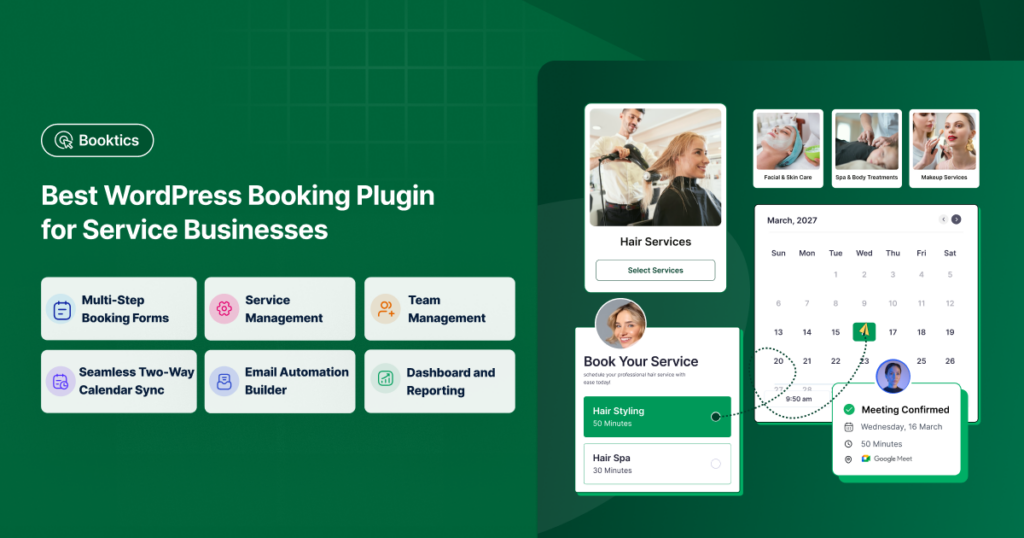
Booktics is a modern WordPress appointment booking plugin for service-based businesses. It lets your customers choose a service, select an available staff member, and book an appointment directly from your WordPress website.
During our testing, the guided onboarding made it easy to add services and team members, set staff availability, and publish a multi-step booking form. You can manage unlimited services, staff members, and appointments from one central dashboard.
You can create custom schedules, add buffer time between appointments, offer group bookings, and sell extra services. Customers can also cancel or reschedule their appointments. Two-way Google Calendar and Outlook sync helps you keep staff schedules updated and reduce double bookings.
Booktics supports on-site and online payments through Stripe, PayPal, and WooCommerce. Its email automation builder lets you send booking confirmations, reminders, cancellation notices, and rescheduling updates automatically.
Standout Features:
- Unlimited services, staff members, and appointments
- Multi-step WordPress appointment booking form
- Individual staff schedules, custom time slots, and buffer time
- Group appointments and additional services
- Two-way Google Calendar and Outlook synchronization
- Stripe, PayPal, and WooCommerce payments
- Automated booking confirmations and reminders
Pros
- Feature-rich free version
- Clean and responsive booking interface
- Flexible service and staff management
- Customers can cancel or reschedule appointments
Cons
- No dedicated mobile app for staff members
- Some advanced features and integrations require the premium version
Pricing:
- Free version available.
- The premium plan currently starts at $63/year.
3. MotoPress Appointment Booking
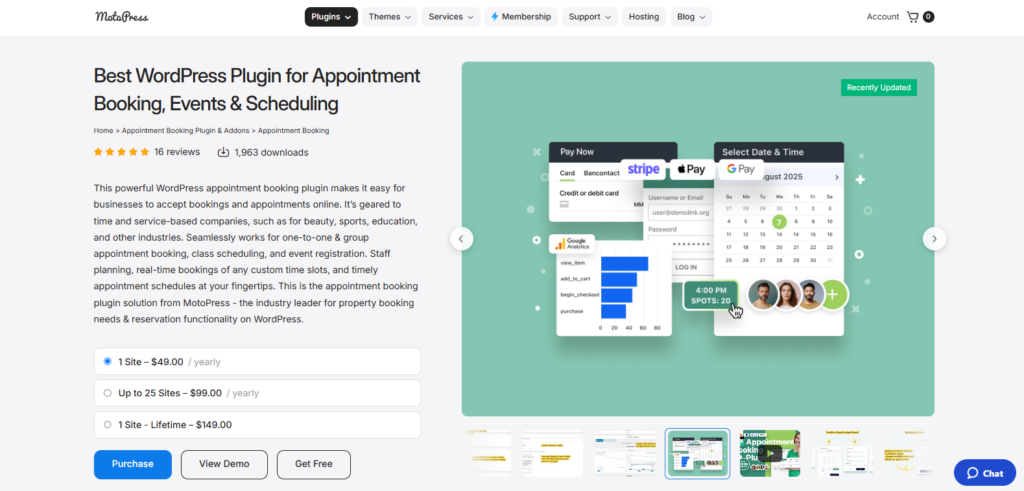
MotoPress Appointment Booking is one of the most flexible booking plugins around here.
During our testing, the setup was simple with a clean onboarding flow that made it easy to create services, set staff schedules and publish a booking form.
The plugin gives you solid control over working hours, buffer times, holidays, and employee availability. Customers can book appointments online, and business owners, on the other hand, can manage schedules from a centralized dashboard.
MotoPress works well for freelancers, wellness centers, tutors, fitness studios and similar service based businesses looking for a reliable booking solution with a balanced feature set. Although it covers the essentials well, businesses with more advanced operational needs may eventually look for deeper automation and broader customization options.
Standout Features:
- Accept on-site or online payment, full or deposit
- Integrates with PayPal, Stripe, Square, and WooCommerce payments
- Step by step booking form for clients
- Automatic reminders via Email and SMS
- Customer account
- Integration with Google Analytics
- Syncs with all popular calendars
Pros
- Feature-rich free version
- Unlimited services, appointments and employees
- Flexible employee schedule
- Easy to customize appointment capacity
Cons
- No recurring appointments
- Lacks advanced features like waitlists and conditional form logic
- Basic user interface
Pricing:
- Free version available
- The premium starts from $49/Year. However, if you want features such as Square payments, WooCommerce payments, SMS notifications or PDF invoices, then its premium bundle plan starts from $99/Year.
4. Bookster
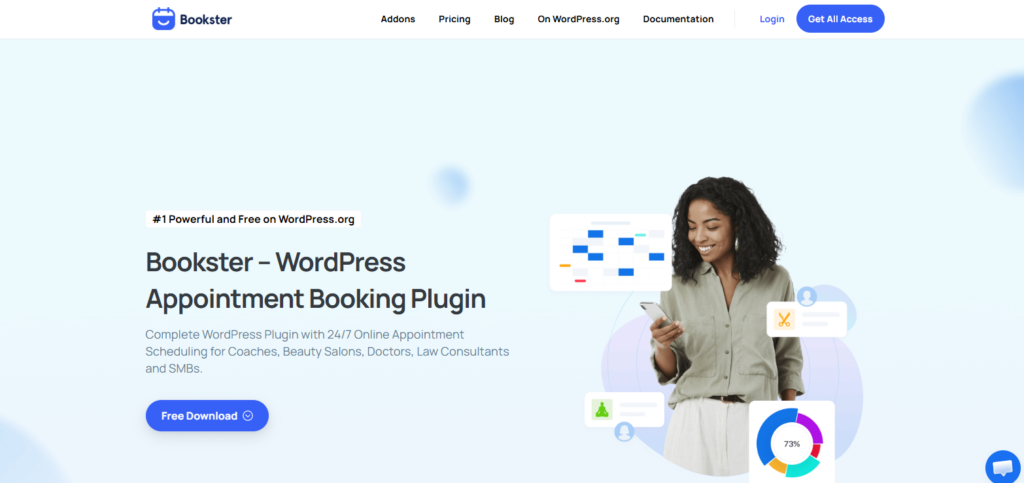
Bookster is a modern appointment booking plugin for those who want a clean booking experience without spending hours on setup.
The interface felt responsive and well organized during review which makes it so easy to create multiple services, assign staff members, configure working hours and publish booking forms.
The plugin covers the core needs of most appointment based businesses. Customers can schedule appointments online, while you as an admin can manage bookings, staff availability, and customer information from a centralized dashboard.
Apart from this, it also supports on-site or online, full or partial, payments, automated notifications, and calendar synchronization to keep schedules up to date.
Bookster is a good fit for consultants, salons, healthcare professionals, fitness trainers and agencies that need an intuitive booking system with a modern design.
Standout Features:
- Unlimited services and staff members
- Real time calendar syncs
- Smart scheduling buffer
- On-site or online payment, full or deposit, via Stripe and PayPal
- Automated payment confirmation and refund handling
- Automatic reminders via Email and SMS
- Intuitive client dashboard
Pros
- Lightweight and fast
- Easy to setup
- Modern user interface
- Value-packed free version
Cons
- Even some basic features like Stripe Payment gateway needs paid addons
- No multi-location management
Pricing:
- Free version available
- The premium starts from $79/Year.
5. GravityBooking
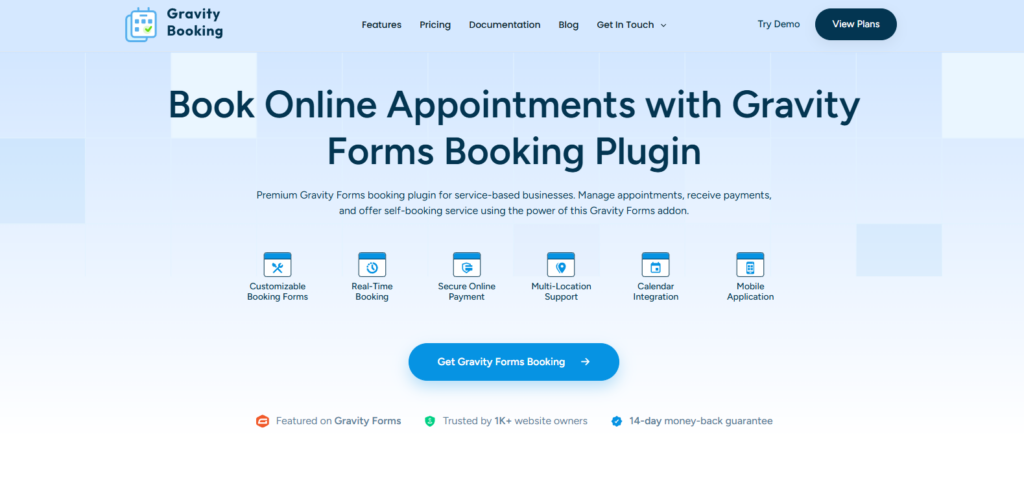
GravityBooking takes a different approach by building appointment scheduling on top of Gravity Forms.
Thus if your website already relies on Gravity Forms for data collection, this plugin blends naturally into your existing setup. And the best part is creating booking forms feels so much familiar for existing Gravity Forms users, and the flexibility offered by Gravity Forms makes it possible to design highly customized booking experiences.
The plugin is best suited for developers, agencies, and businesses already invested in the Gravity Forms ecosystem. New users should keep in mind that a Gravity Forms license is needed before using GravityBooking.
Standout Features:
- Gravity forms integrations
- Two-way calendar sync with Google calendar and Outlook calendar
- Staff and resource management
- Multi-location support
- Automatic reminders via Email and SMS
- iOS and Android mobile app to manage bookings, track revenue and get push notifications
- Online payment, deposit or full, via native Gravity forms payment addons like Stripe, Square, PayPal and Mollie.
Pros
- As built on Gravity Forms, booking form customization has no limits
- Dedicated mobile app
- Syncs with your popular calendars
- Smart availability and time zone management
Cons
- Must need Gravity Forms plugin
- Steep learning curve
- Can be pricey; combining the cost of Gravity Forms + Gravity Booking
Pricing:
- No free version available
- The premium starts from $79/Year (+ Gravity Forms starts from $59/Year).
6. Webba Booking
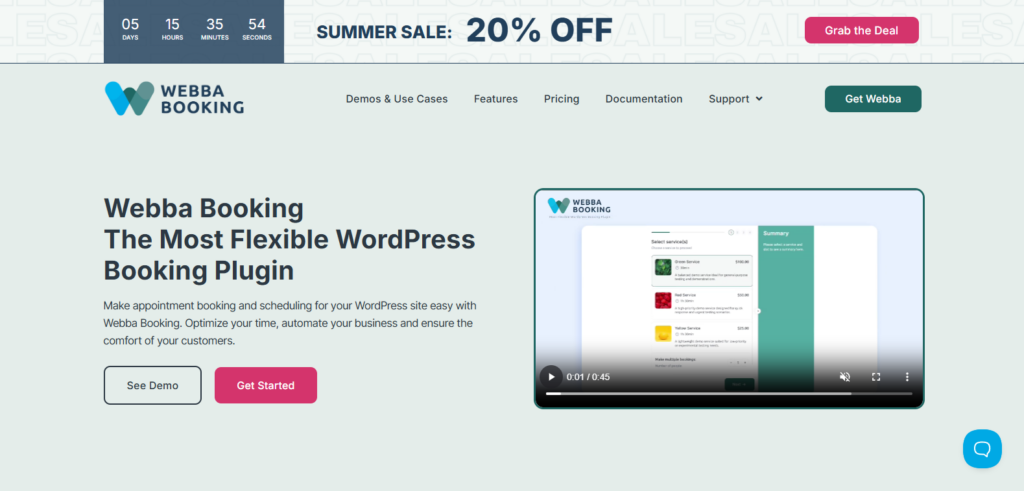
Webba Booking focuses on helping service businesses automate appointment scheduling while keeping the booking experience simple for customers.
We found the booking wizard easy to set, yet not for beginners, with clear options for services, employee schedules, availability and booking rules.
The plugin comes with flexible scheduling options, online payments, coupon support and automated notifications to lower manual follow ups. Moreover, it supports integrations with popular calendar services, helping businesses keep appointments synchronized across multiple platforms.
Standout Features:
- More than 80 appearance customization options for booking forms
- Two-way calendar syncs with Google and Outlook Calendars
- Advanced pricing rules
- Integrates with PayPal, Stripe and WooCommerce for online payment
- Group and multi-bookings
- Zoom integrations
- Automatic notifications via Email and SMS
Pros
- Highly customizable booking form
- Page builder friendly
- Dedicated customer dashboard
- Advanced features cater well to growing businesses
Cons
- Steep learning curve; not for beginners
- For accepting online payments, you need a high tier premium version starting at $119/Year.
Pricing:
- Free version available
- The premium starts from $49/Year.
7. Easy Appointments
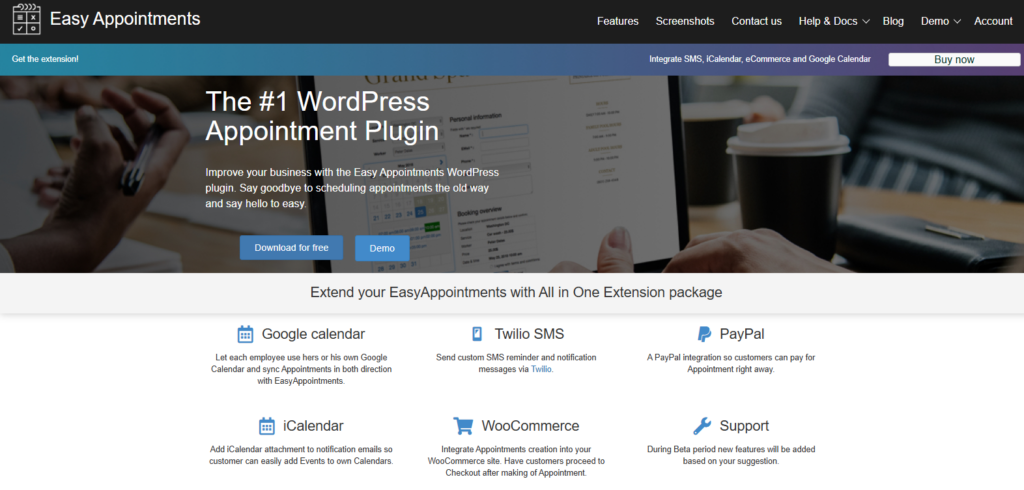
Easy Appointments is a great choice for businesses that want a capable booking system.
Using this, you can create multiple locations, services, employees and booking schedules then connect them with detailed availability rules.
But here’s the catch. Although the user interface isn’t as easy-to-go as other booking plugins, it still tries its best to give you a reliable feature set that values flexibility over visual design.
Standout Features:
- Unlimited locations, employee profiles and services
- Responsive form layouts
- Status based email and SMS automation
- Google Calendar and iCal sync
- Built-in spam protection
- Translation ready with over 10 languages
- Generates calendar timetable overviews
Pros
- Truly free core tool
- Complex schedule handling
- GDPR compliance controls
- Pro integration upgrades
Cons
- Abstract learning curve
- Basic user interface
Pricing:
- Free version available
- The premium starts from $59/Year.
Final Thoughts
In a nutshell, these are all the best WordPress booking plugins available in the WordPress ecosystem to turn your simple WordPress site into a complete online appointment booking system.
If you’re still unsure which one fits your business, here’s a quick recommendation:
Want the most complete all-in-one booking solution with 60+ premium addons, 21+ payment gateways, advanced staff management, recurring appointments, package bookings, built-in invoicing, waiting lists, and a polished booking experience, then BookingPress is unbeatable.
BookingPress is our top recommendation for service businesses of all sizes that want room to grow, whether it be salons, clinics, fitness studios, or coaching businesses.
Thus if you’re looking for a booking plugin that can support your business today and continue to grow with it, BookingPress is hard to beat.
Leave a Reply
You must be logged in to post a comment.