
Lock specific product categories behind a password. Perfect for exclusive collections, member-only items, or private product lines.
Enable Category Lock
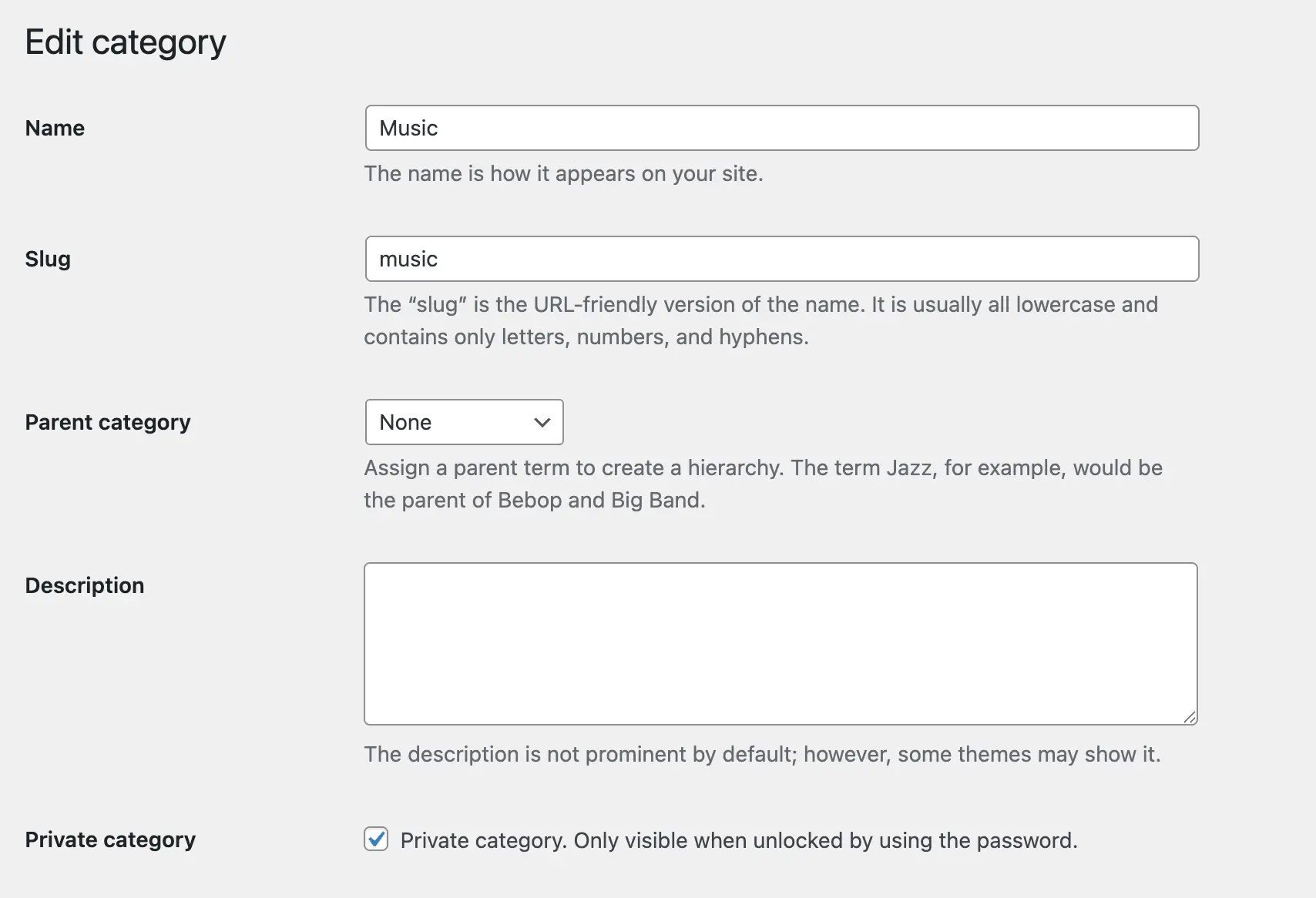
Navigate to Products > Categories and click Edit on the category you want to protect.
Locate the “Private category. Only visible when unlocked by using the password.” option and check the box.
How Category Lock Works
Password Protection
Category locking uses the passwords and validity settings defined in your global configuration at WooCommerce > Private Store > General.
Any passwords you’ve set up globally will work for this category. Users entering a valid password gain access to view the locked category and its products.
Password Validity
The category inherits the password validity period from global settings. After the set number of days expires, users must re-authenticate to access the category again.
Save Changes
Click Update to apply category-level protection.