
WC Store Timer lets you display a live countdown timer that shows customers exactly when your store will reopen. This helps set clear expectations and reduces confusion during closed hours.
Access Timer Settings
To configure the countdown timer, go to WooCommerce > Store Timer > Timer from your WordPress dashboard.
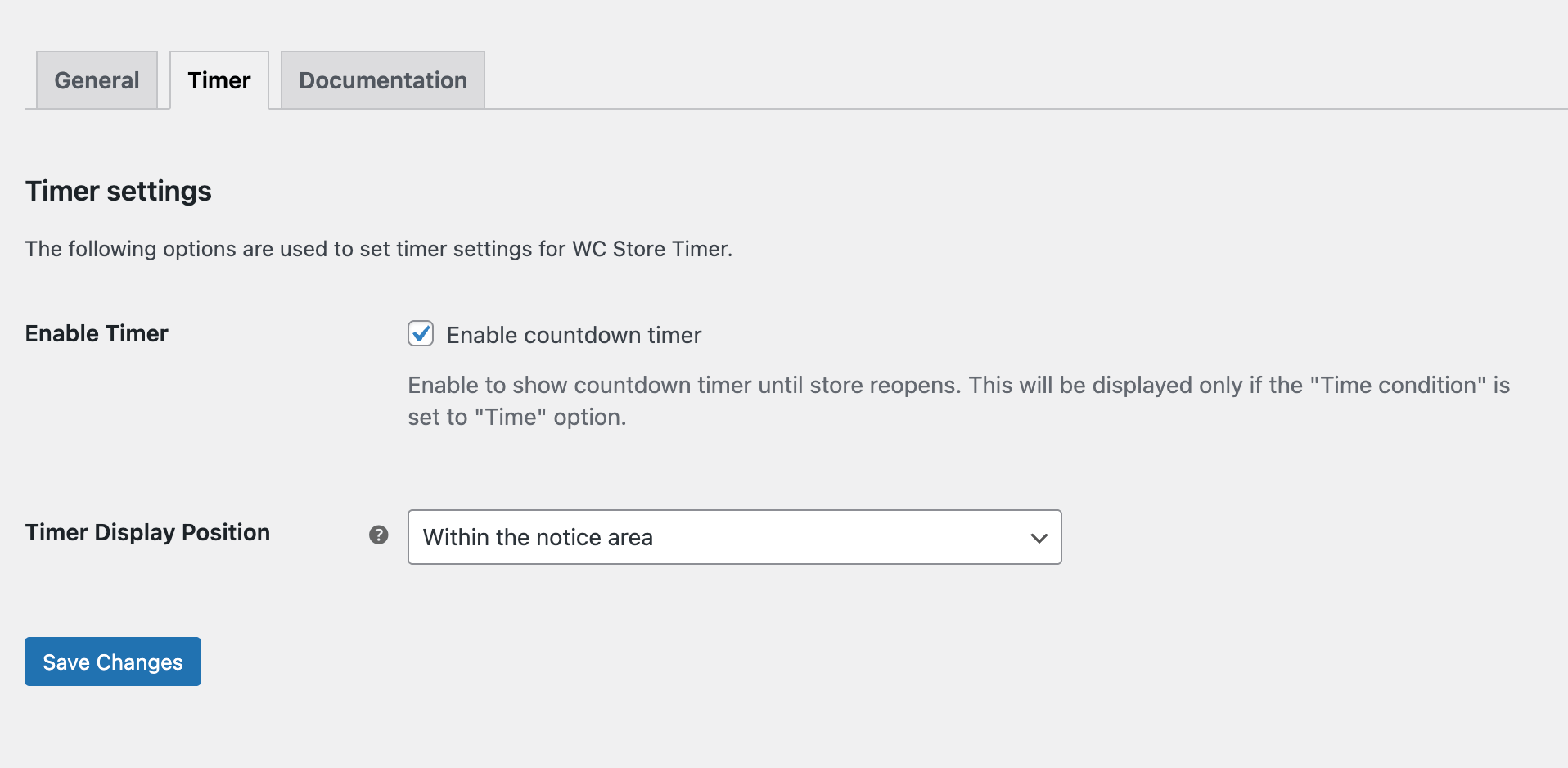
Enable Countdown Timer
Enable the Timer option to activate the countdown feature.
Timer Display Position
You can also choose where the timer should appear on your site, such as within the notice area, the shop page, product pages, or other supported areas. [Right now, the available option is within the notice area]
The countdown timer works only when the Time Condition is set to Time.
This is because the timer needs a defined start and end time to calculate the remaining duration.
How the Countdown Works
When enabled, the plugin shows a live countdown with Days, Hours, Minutes, and Seconds. (e.g., 1d 23h 19m 26s)
The timer automatically updates and counts down to the next store opening time.
Save Changes
After configuring the timer settings, click Save Changes to apply them.
Next Step
To further customize your store’s availability, continue exploring other configurations, such as Configure Store Timer, Configure Timer for a Category, and Configure Timer for Individual Product.