
After configuring custom notices and visibility options for individual products, you can recommend replacement items for discontinued products. This helps customers find suitable alternatives instead of leaving the product page.
To set this up, open the product you want to edit and scroll to the Product Data panel. Select the Inventory tab and locate the Discontinued section.
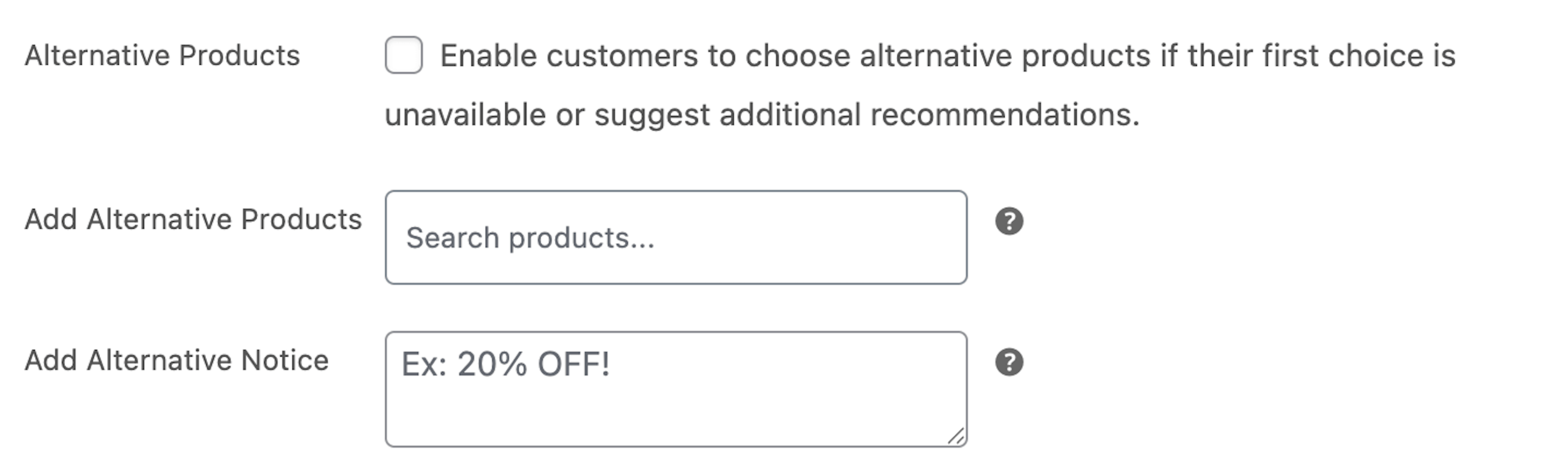
Alternative Products
Enable this option to allow customers to view suggested alternatives when a product is no longer available. You can use this to recommend similar items or updated versions of the product.
Add Alternative Products
Select one or more products to display as alternatives. These products will appear on the discontinued products page and guide customers to available options.
Add Alternative Notice
You can add a custom alternative notice for this product. This message overrides the global alternative notice and lets you explain the recommendation more clearly.
After completing these settings, update the product to apply the changes.
Next Step
Once alternatives are set, continue to the alternative style settings to customize how alternative notices appear across your store.