
After setting up the uploader location, file size, and type rules, you can allow customers to add notes along with their file uploads. This is useful when you need extra details or instructions related to the uploaded files.
Access Notes Settings
On the same General Settings screen, scroll down to the Notes section.
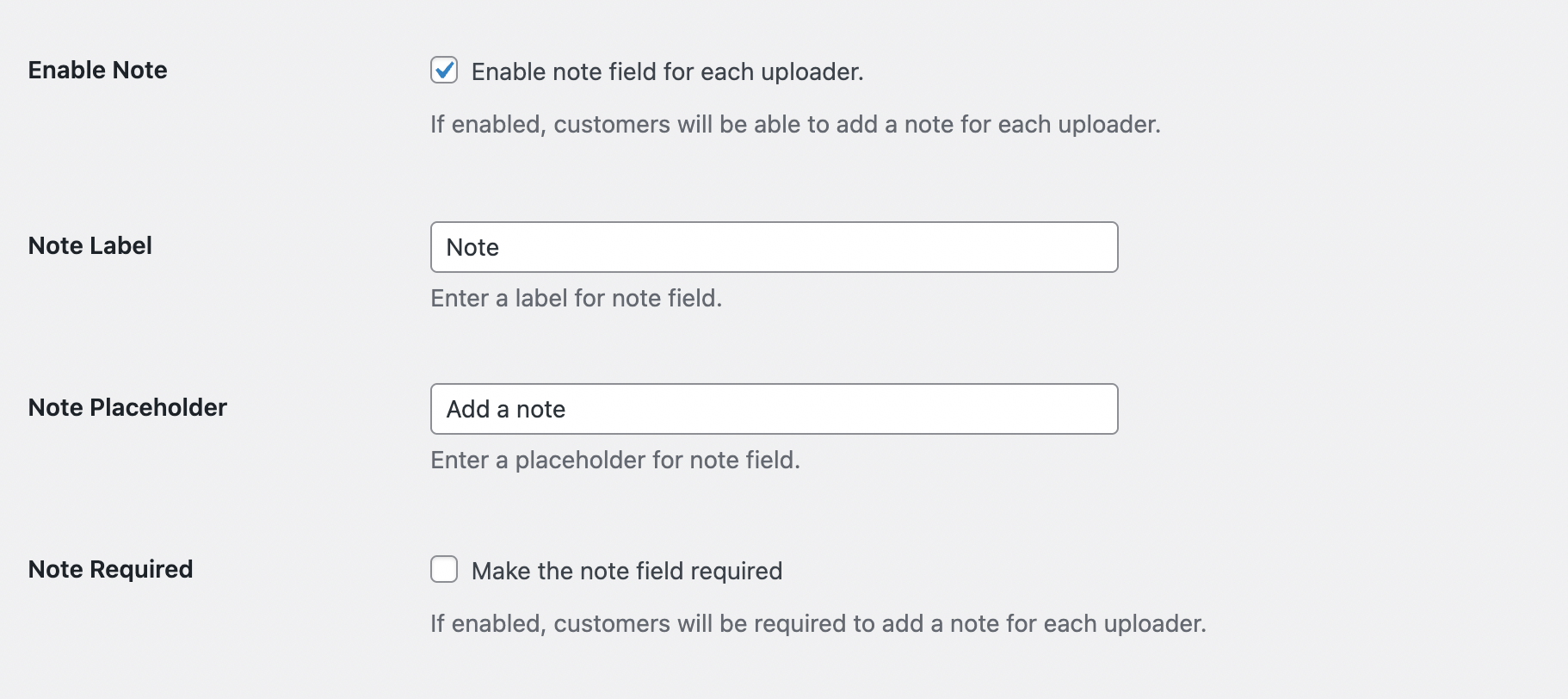
Enable Note
Enable this option to allow customers to add a note when uploading a file.
Note Label
Set a clear label for the note field so customers understand what it’s for.
Note Placeholder
Add placeholder text inside the note field. This can be a short description of what information to provide.
Note Required
Enable this option if a note must be added before checkout can continue. When required, customers will not be able to complete the process without entering a note.
Next Step
To choose which products should have the file upload feature enabled, continue to Advanced Settings.