

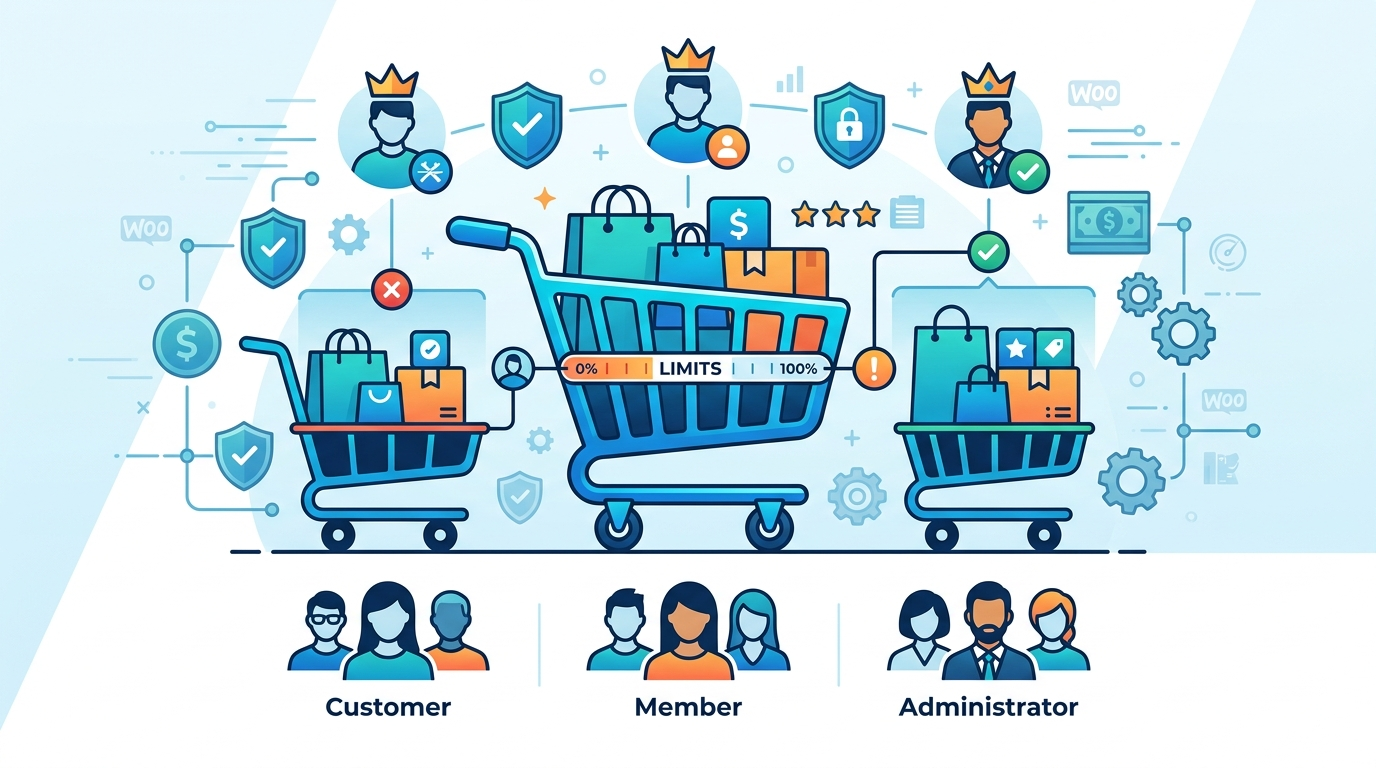
Your Wholesale Customers Are Ordering Retail Quantities, And Your Store Has No Way to Stop It
If you’re running a multi-tier WooCommerce store, one that serves both retail customers and wholesale buyers, or separates guest shoppers from registered accounts, you’ve probably hit this wall: a wholesale client orders three units when they should be ordering thirty, or a retail buyer loads their cart with quantities your margins can’t support at that price point. WooCommerce doesn’t ship with role-based cart limits out of the box, which means store owners are left stitching together plugins, custom code, or just hoping customers behave.
This guide is for WooCommerce store owners and developers who need to enforce minimum order quantities, maximum cart totals, or product quantity rules that vary by user role, without breaking their checkout flow or alienating their customers.
Understanding the Variables
Before choosing a path, you need to be clear about which of these variables actually applies to your store. The wrong assumption here sends you down an implementation path you’ll have to reverse later.
Variable 1: The Type of Limit You Need
Cart limits come in three distinct flavors: minimum cart value (e.g., wholesale buyers must spend at least $200), maximum cart quantity (e.g., retail customers can’t add more than 10 units of a single SKU), and product-level quantity steps (e.g., items must be ordered in multiples of 12). Each requires a different technical approach.
Variable 2: The Number of User Roles Involved
WooCommerce ships with roles like *Customer*, *Subscriber*, and *Guest*. Plugins like WooCommerce Wholesale Prices or B2BKing add their own custom roles. If you’re enforcing limits across more than two or three roles with meaningfully different rules, the configuration complexity scales fast.
Variable 3: Whether Limits Are Per-Product or Store-Wide
A store-wide minimum order value is simpler to implement than a rule that says “wholesale buyers need a minimum of 24 units, but only on products in the ‘bulk packing’ category.” Scope determines which tools can actually handle the job.
Variable 4: Your Theme and Plugin Stack
Plugins that manipulate cart validation hook into WooCommerce’s `woocommerce_check_cart_items` action. If you’re running a page builder like Elementor with a custom cart template, or using a headless setup with WooCommerce REST API, standard plugin hooks may not fire as expected.
Variable 5: Guest vs. Authenticated User Handling
Rules that apply to logged-in users are straightforward; the role is known at cart validation time. Rules targeting guests are trickier because WooCommerce assigns no role to unauthenticated sessions. You need to decide whether guests get default retail limits or are blocked from certain behaviors entirely.
The Primary Decision Path
Start here before opening a plugin settings panel.
If your limits are store-wide (not product-specific) and you’re working with two or fewer user roles, then a dedicated plugin like WooCommerce Minimum Order Amount or the free Order Minimum Amount for WooCommerce plugin handles this without custom code. Configure the minimum, map it to the role, and you’re done.
However, if your rules are product-specific or span three or more roles with different thresholds, the path changes, you’re looking at either WooCommerce Wholesale Suite, B2BKing, or a custom `functions.php` implementation hooking into `woocommerce_check_cart_items` and `woocommerce_add_to_cart_validation`.
If your store runs on a headless architecture (WooCommerce + React/Next.js storefront, for example), neither standard plugins nor basic hooks will catch violations at the client layer. That’s a custom API middleware problem, and it belongs in the specialist category discussed at the end of this guide.
When Condition A Applies: Store-Wide Limits, Two Roles
This is the most common scenario for smaller WooCommerce operations, a retail tier and a wholesale tier, with a flat minimum cart value applied to wholesale accounts.
The situation: Wholesale customers (registered with a ‘Wholesale Customer’ role) must hit a $150 cart minimum before checkout. Retail customers have no minimum.
Recommended tool: The Min Max Quantities plugin.
Implementation steps:
- Install and activate your chosen plugin.
- Navigate to the plugin’s settings and locate the role-specific order minimum section.
- Assign your $150 minimum to the Wholesale Customer role only.
- Test with a user account assigned that role, add items totaling $149 and attempt checkout. WooCommerce should block it with a configurable error notice.
- Verify that a standard Customer role account can checkout with any cart total.
Expected outcome: Wholesale buyers see an inline cart notice (“Your order must be at least $150 to qualify for wholesale pricing”) and cannot proceed until the threshold is met. The notice text is editable in most plugin settings.
One thing to watch: These plugins typically add their validation on the cart and checkout pages only. If you’re using persistent carts or an AJAX add-to-cart flow, confirm the validation fires in both contexts by testing directly through `/?add-to-cart={product_id}` URL patterns.
A wholesale building materials distributor I worked with, Hartwell Supply Co. out of Columbus, Ohio was processing roughly 340 orders per month through their WooCommerce store in Q1 2023, and about 22% of those required manual intervention because retail customers were accidentally placing orders below their $500 minimum or wholesale accounts were submitting quantities that tripped their freight calculator. After implementing role-based cart limits using the WooCommerce Wholesale Prices plugin (enforcing a 10-unit minimum for wholesale accounts and a $75 cart floor for retail), their order correction tickets dropped from an average of 74 per month to 11 within 60 days. Average wholesale order value climbed from $1,840 to $2,310 over that same period, almost entirely because wholesale buyers stopped splitting orders to avoid a threshold they no longer had a reason to game.
Edge Cases That Change Everything
1. Variable Pricing + Variable Limits on the Same Product
If you’re using WooCommerce’s built-in variable products (size/color variants) and need different quantity rules per variation and per user role, most plugins struggle. WooCommerce Min/Max Quantities supports variation-level rules, but combining that with role-based logic often requires custom code. A `woocommerce_add_to_cart_validation` filter that checks both `$variation_id` and `wp_get_current_user()->roles` is the most reliable path. This is custom dev territory.
2. Multisite Networks with Shared User Roles
On a WordPress Multisite install where users log in at the network level, role assignments can behave unexpectedly because WooCommerce reads roles from the current site’s user meta, not the network. If a user is a Distributor on Site A but only a Subscriber on Site B, cart limits configured for the Distributor role won’t fire on Site B. You’ll need to either sync roles across subsites using a plugin like User Role Editor with network-level assignment, or write a custom role resolver that checks network meta.
3. Subscription Products Inside Cart Limit Logic
WooCommerce Subscriptions creates a separate order flow for subscription products. Cart minimum plugins that hook into standard `woocommerce_check_cart_items` may not intercept the subscription renewal cart. If wholesale customers are on product subscriptions and you need quantity rules to apply to those renewals, you need to hook into `wcs_renewal_order_created` or apply limits at the product variation level before the subscription is created, not after.
When to Bring in a Specialist
Most WooCommerce cart limit scenarios are solvable without a developer if your store structure is relatively clean. But there are specific triggers where DIY stops being practical.
Trigger 1: Your plugin configuration produces inconsistent results across different browsers or devices. This usually points to a JavaScript conflict in your cart AJAX flow, not a settings error. Diagnosing that requires access to the browser console, network request inspection, and a working knowledge of WooCommerce’s `wc-add-to-cart` script architecture.
Trigger 2: You’re on a headless or decoupled WooCommerce setup. If your storefront runs on Next.js, Gatsby, or a custom React app calling WooCommerce REST API, cart limits enforced through PHP hooks simply don’t exist at the point where customers interact with the cart. You need middleware validation, either a custom REST API extension that rejects non-compliant cart operations server-side, or client-side validation logic with a server-side enforcement layer. Both require a developer.
Trigger 3: You need audit logging of cart limit violations. Some B2B operations need a record of when a wholesale buyer attempted to order below minimums, for sales team follow-up or account review. That’s not a plugin feature, it’s a custom logging implementation against WooCommerce order and session data.
Trigger 4: Your limits need to change dynamically based on real-time data. If your minimum order quantity for a Distributor account depends on their current account balance, outstanding invoices, or a CRM field in HubSpot or Salesforce, that’s an integration project, not a plugin configuration task.
Hartwell Supply Co.’s implementation didn’t go smoothly on the first attempt. Their in-house developer spent about three weeks trying to build custom role-checking logic directly into their child theme’s `functions.php`, and while it worked in staging, it broke entirely after a WooCommerce 7.4 update wiped out the cart validation hooks they’d relied on — leaving wholesale accounts with no quantity enforcement for nearly five days before anyone caught it. I brought in a WooCommerce specialist from Codeable to rebuild the solution properly using WooCommerce Wholesale Prices with a clean plugin-based architecture; the engagement ran $1,400 and took six business days from kickoff to sign-off on production testing. The lesson Hartwell’s operations manager took from it: the DIY build cost them more in support hours and lost enforcement time than the specialist would have cost upfront.
The plugin ecosystem around WooCommerce cart limits is solid enough for most store configurations. The honest constraint is knowing when your requirements have outgrown what configuration can handle, and recognizing that threshold before you’ve spent three weekends debugging a broken checkout flow.
Leave a Reply
You must be logged in to post a comment.