

After configuring the single variation display and advanced settings, you can customize how variation titles appear on your store.
Accessing Custom Variation Title Settings
Navigate to WooCommerce > Settings > Single Variation Settings and scroll down to the Variation Title section.
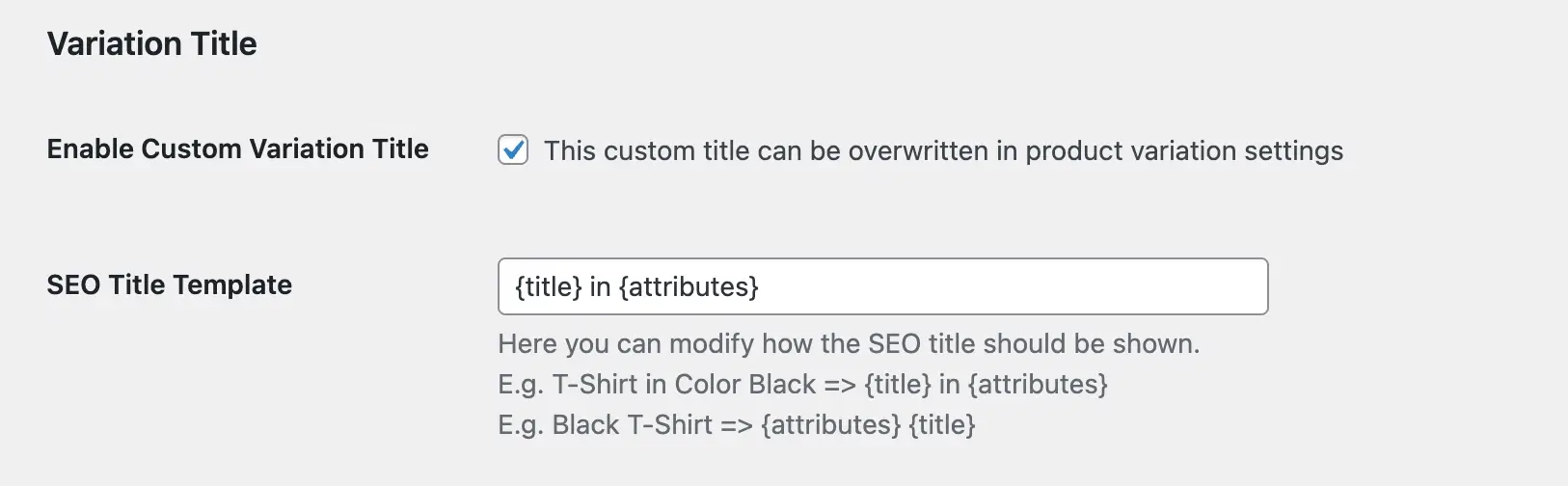
Enable Custom Variation Title
Toggle this option to activate custom variation titles across your store. Note that individual product variation settings can override this global configuration.
SEO Title Template
Define the structure of your SEO-optimized variation titles using template variables:
{title} in {attributes}— Produces: “T-Shirt in Color Black”{attributes} {title}— Produces: “Black T-Shirt”
This template determines how your variation titles appear in search results and page titles.
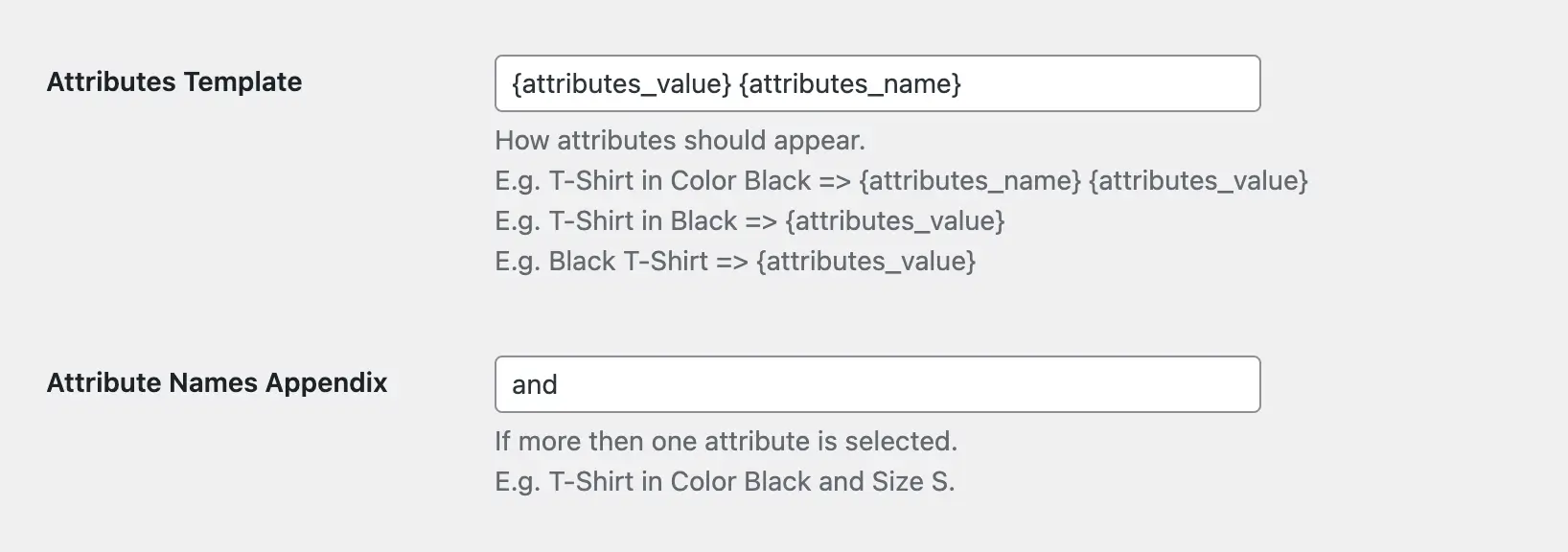
Attributes Template
Control how product attributes display within variation titles:
{attributes_name} {attributes_value}— Produces: “Color Black”{attributes_value}— Produces: “Black”
Choose the format that best matches your store’s naming conventions.
Attribute Names Appendix
Specify the connector word for products with multiple attributes. For example, using “and” produces: “T-Shirt in Color Black and Size S.”
Save Your Changes
Click Save Changes to apply your variation title configuration.
Next Steps
Once you’ve configured custom variation title settings, you can override these defaults for specific products by customizing individual product settings.