
To mark a product as discontinued, begin by editing the specific product from your WordPress dashboard. Scroll to the Product Data section, where you’ll find the plugin-specific settings.
Under the Inventory tab, enable the option to mark the product as discontinued. Once this is checked, the product will display a discontinued notice on the frontend, and any additional settings, such as alternative products or hidden visibility, will take effect according to your global configuration.
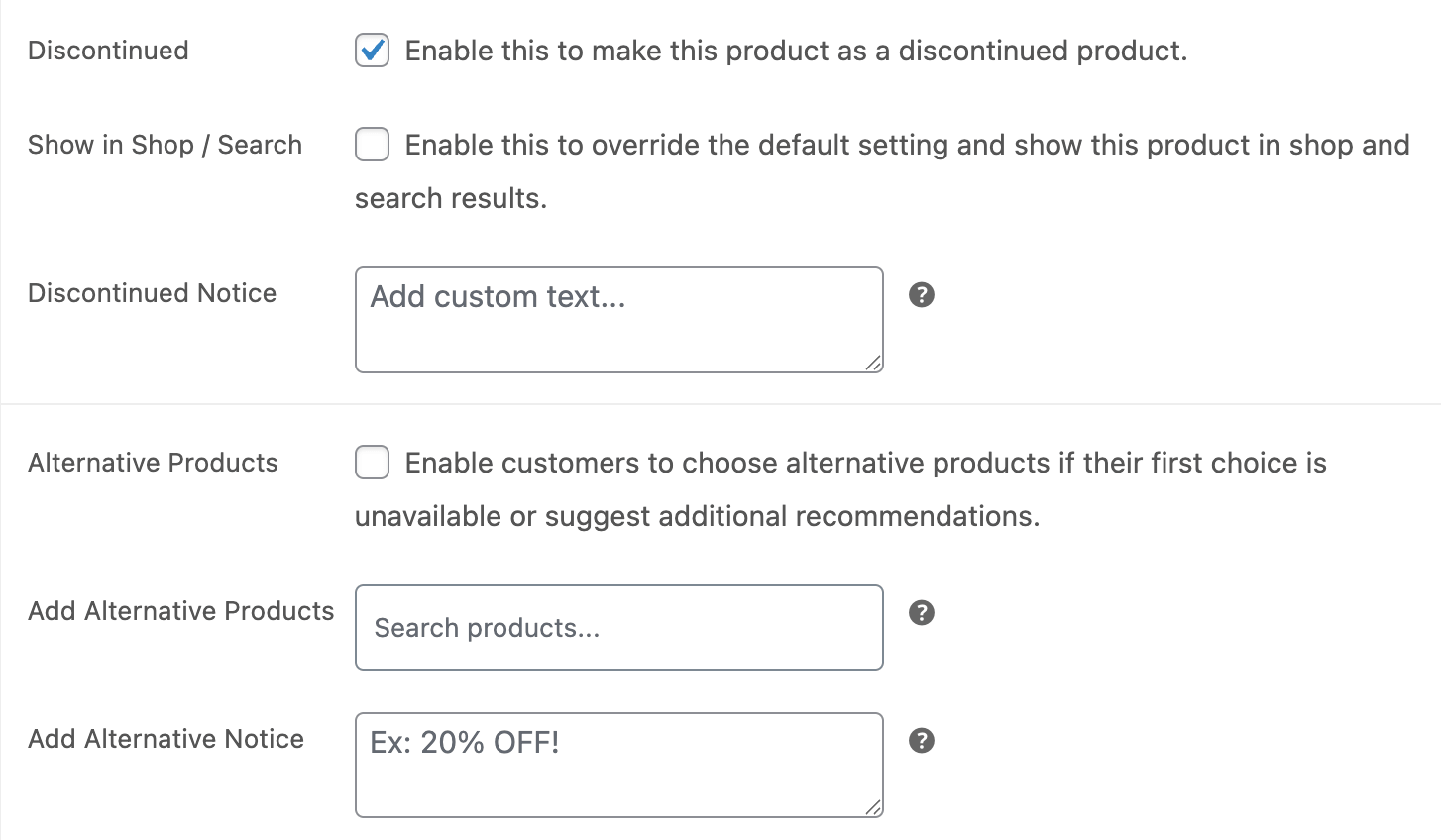
You can also choose to assign alternative products directly from this screen if the global alternative product feature is enabled. The notice and styling will follow the defaults set under WooCommerce > Discontinued Products > General, but they can also be overridden per product if needed.
Discontinuing a product this way ensures it remains in your catalog for recordkeeping or SEO purposes, without misleading customers into thinking it’s still available.