
Set up your digital product checkout functionality and control how to disable adding both digital and physical products in a cart together.
Access the Settings
Navigate to WooCommerce > Digital Product Checkout > General.
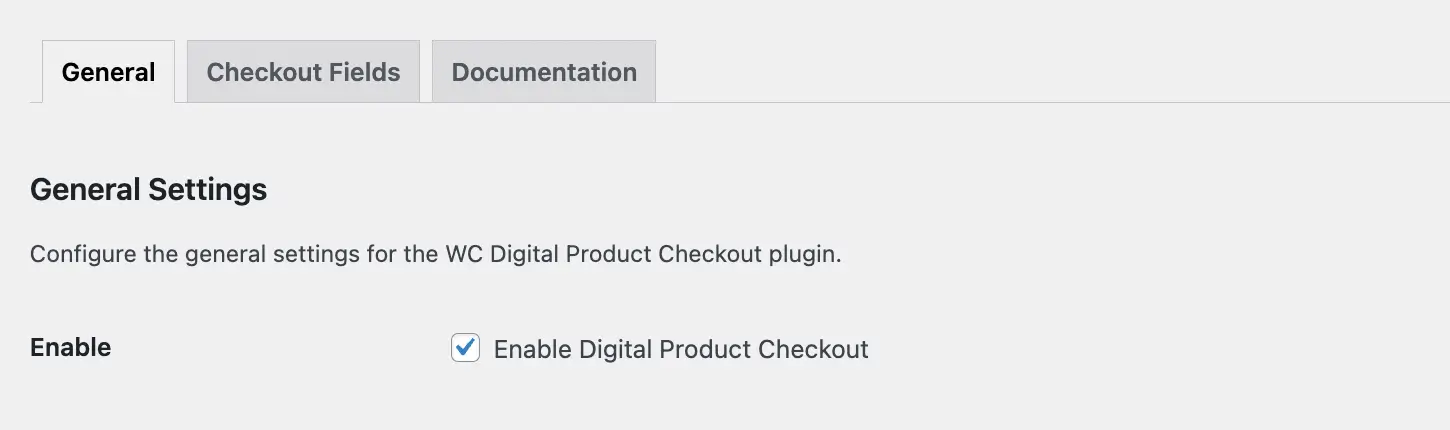
Digital Products Checkout
Check this option to enable the WC Digital Product Checkout plugin functionality across your store.
Disable Mixed Products Checkout

Disable Add to Cart For Mixing Products
When enabled, checkout is allowed only when the cart contains either digital products or physical products, but not both at the same time.
Next Step
Speed up purchases by adding fast checkout buttons to your shop and product pages.